Use sections in pages outside Studio
Put a Studio section on a page your app renders itself, with no template and no Studio-owned route. You need this when most of a page is code but one region, such as a card or a band, should stay editable in Studio.
On a template, a section's data resolves itself. Off a template, one part of that stops, and one only. You take over the job the template was doing. Everything else behaves exactly as it did.
This guide embeds sections. To render a template on a route you own, see Wire template preview routes.
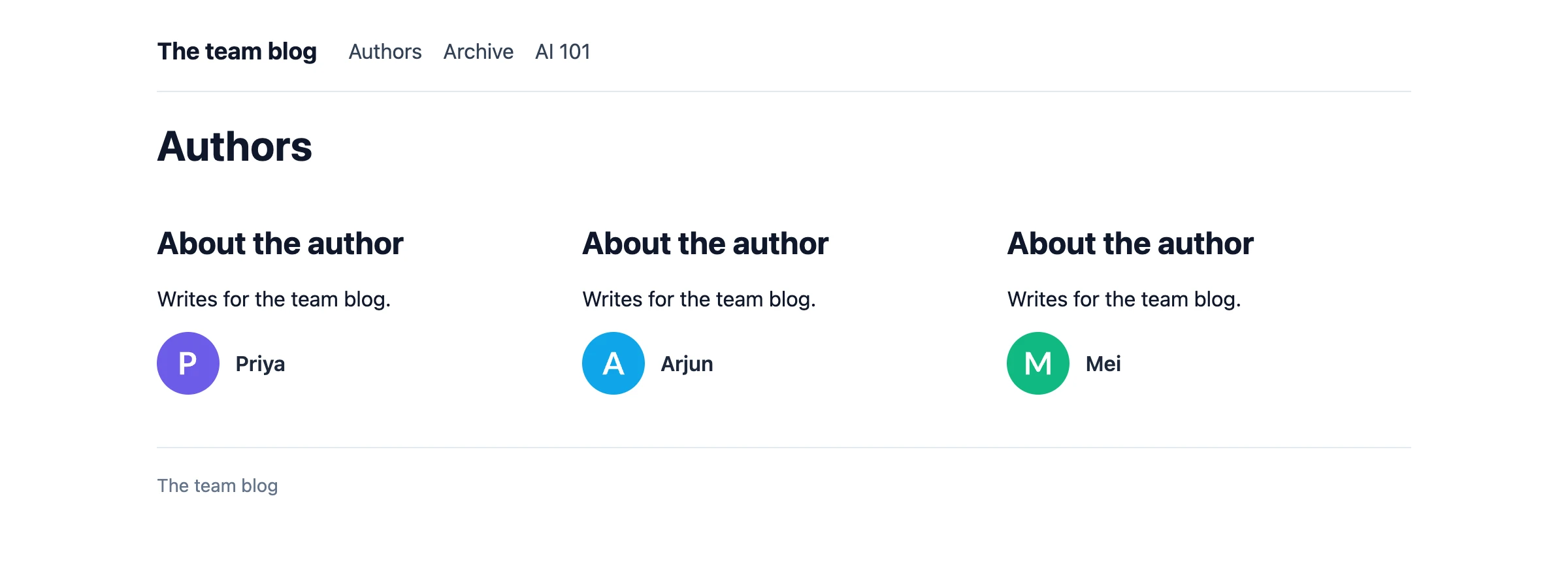
The example on this page is the Author card section on the Authors page and the Latest posts band section on the Archive page, in the Blog project. The app owns an Authors page, an Archive page and a Post page. The Authors page renders the Author card section once for each of Priya, Arjun and Mei. The Archive page renders the Latest posts band section, a Repeater of PostCard over the Latest posts query. The Post page renders the Post hero section for AI 101.
Prerequisites for embedding a section
- You've installed and initialized the current Studio SDK in your app. See Install the Studio SDK. In the examples,
sdkis the object you get fromstudioSdk.init. - You've registered the components the section uses. See Register a component.
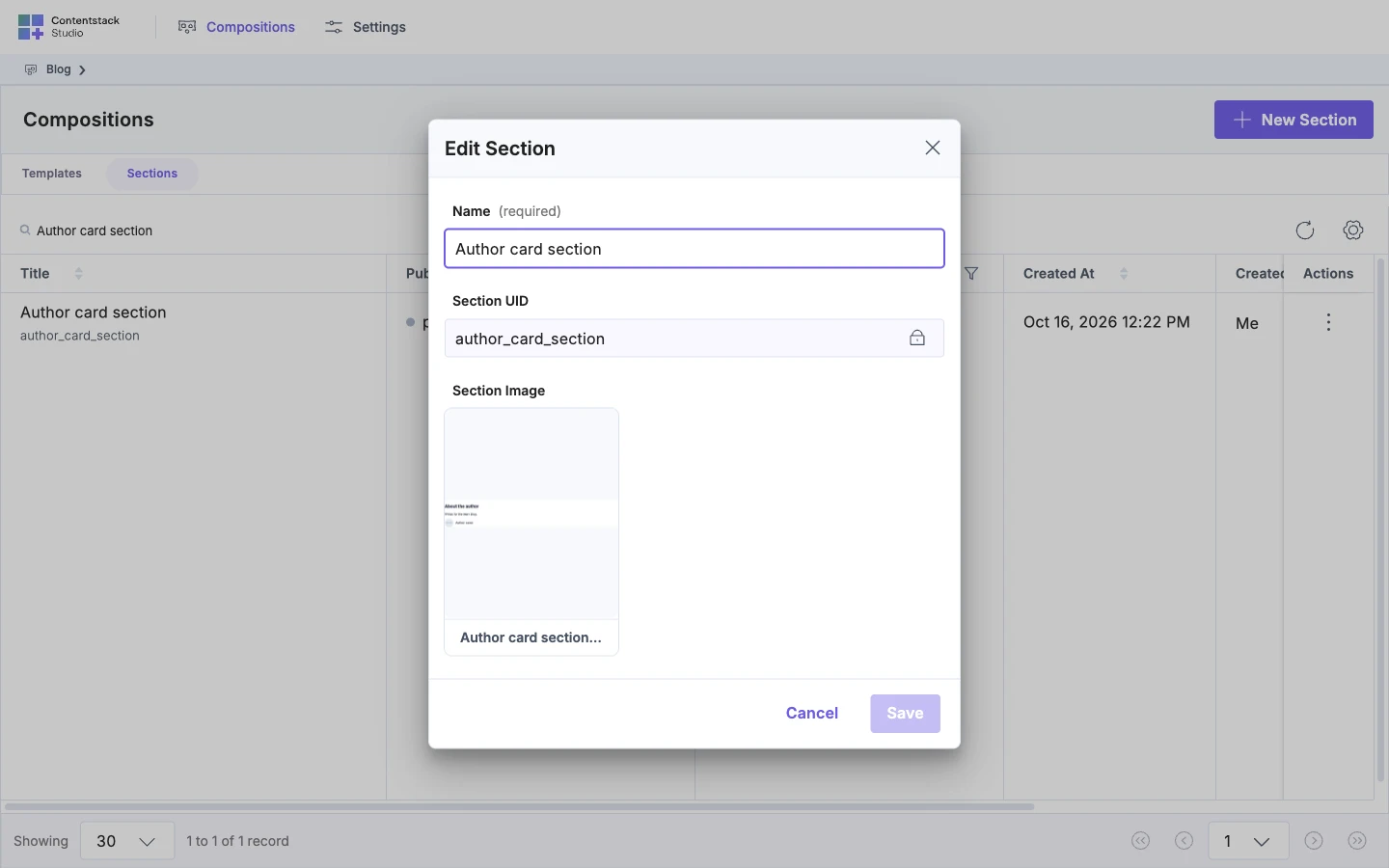
- You have a Studio section, and you've deployed it. Deploy puts it on your site. To create one, see Build sections. For deploying, see Save, preview and deploy. Your code passes the section's Section UID as
compositionUid. The Edit Section dialog shows it. - If the section has a linked schema, you have the data its bindings expect, ready to pass as
context. - If you run the server examples, you use the Next.js App Router. A client-only app skips Render an embedded section on the server. Other server-rendering frameworks aren't covered here.
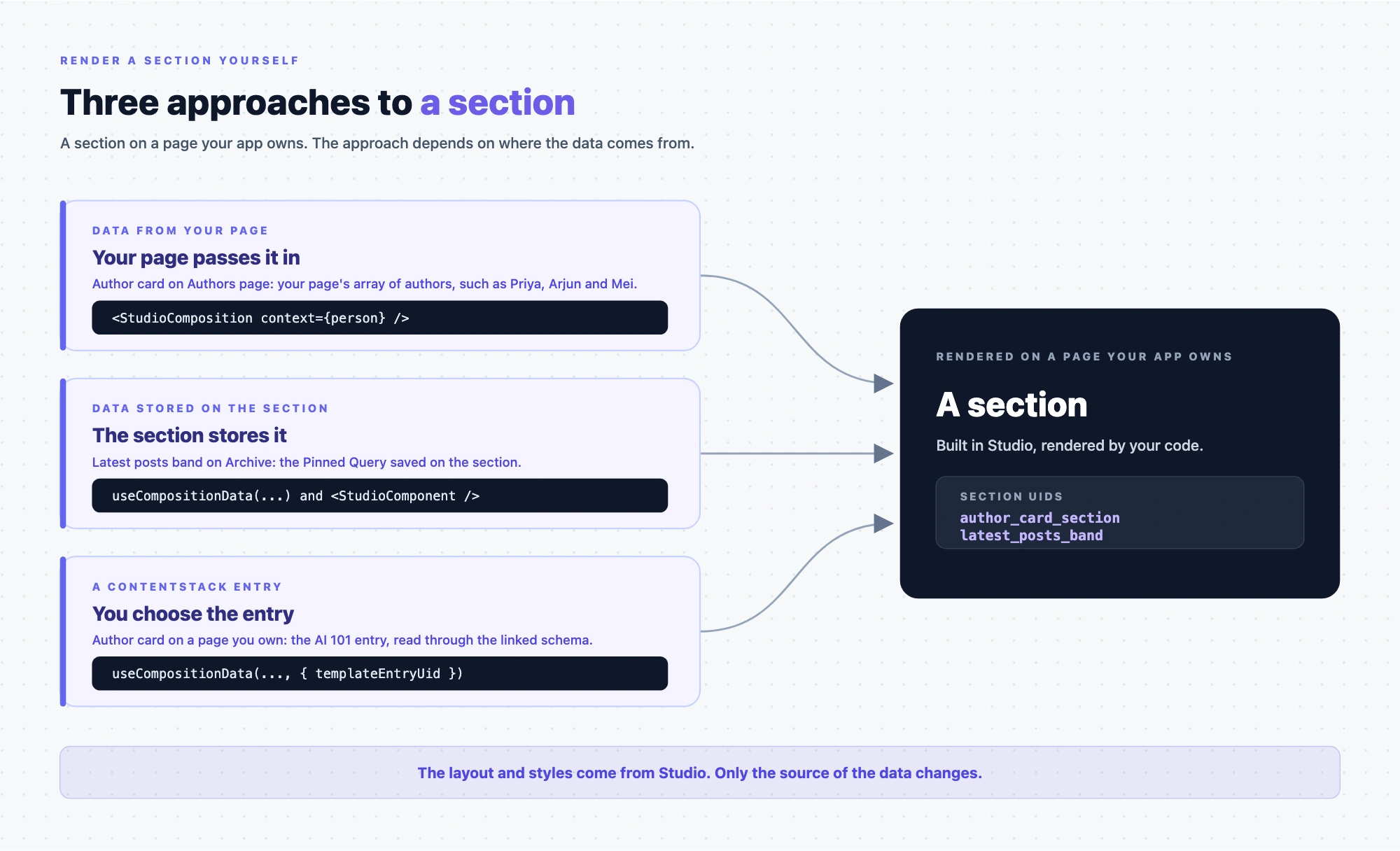
What embedding a section gives you
A template decides which sections it shows and where its data comes from. Here your page does that job and renders the section.
When you finish, the section renders on your page with the layout and styles it has in Studio. Check the page in a normal browser tab, not the Studio canvas.
Embed a section with a skill
- Skills. Ask your agent to embed a Studio section, and it uses
embed-composition. That skill covers only the approach where the section stores its data. It adds the component and the fetch to your page, and you check the page in a normal browser tab. See What are skills?.
What changes off a template, and what doesn't
A section can read from three places. Only the first one changes when the section leaves a template:
| Where the values come from | On a template | On your own page |
|---|---|---|
| The linked schema — the fields the section was built against | The template passes its entry down, and the bindings resolve against it | You pass it. Nothing else does |
| Pinned Entries and Pinned Queries — content the section holds itself | The SDK fetches them | The SDK fetches them. Unchanged |
| Component Data — anything your app holds, such as a signed-in user | Your code passes it in | Your code passes it in. Unchanged |
So there is one new job, and it is the template's old one: supply the context the linked schema binds against. You pass it as context on <StudioComposition>, and it is the same slice the template would have passed — a whole entry for a section linked to a whole content type, or one group, block or reference for a section linked to that field. The SDK wraps it for you.
The other two need nothing new from you:
- Pinned Entries and Pinned Queries resolve on their own, on a template and off it. The section stores them, and the SDK fetches them every time the section renders. That is why a section built only from pinned sources needs no data from your page at all. See Render the section with data stored on it.
- Component Data works the same in both places. You hand values to the section in code, with
dataon<StudioComponent>, or on a<Slot>for the components inside it. A template author does exactly the same thing.
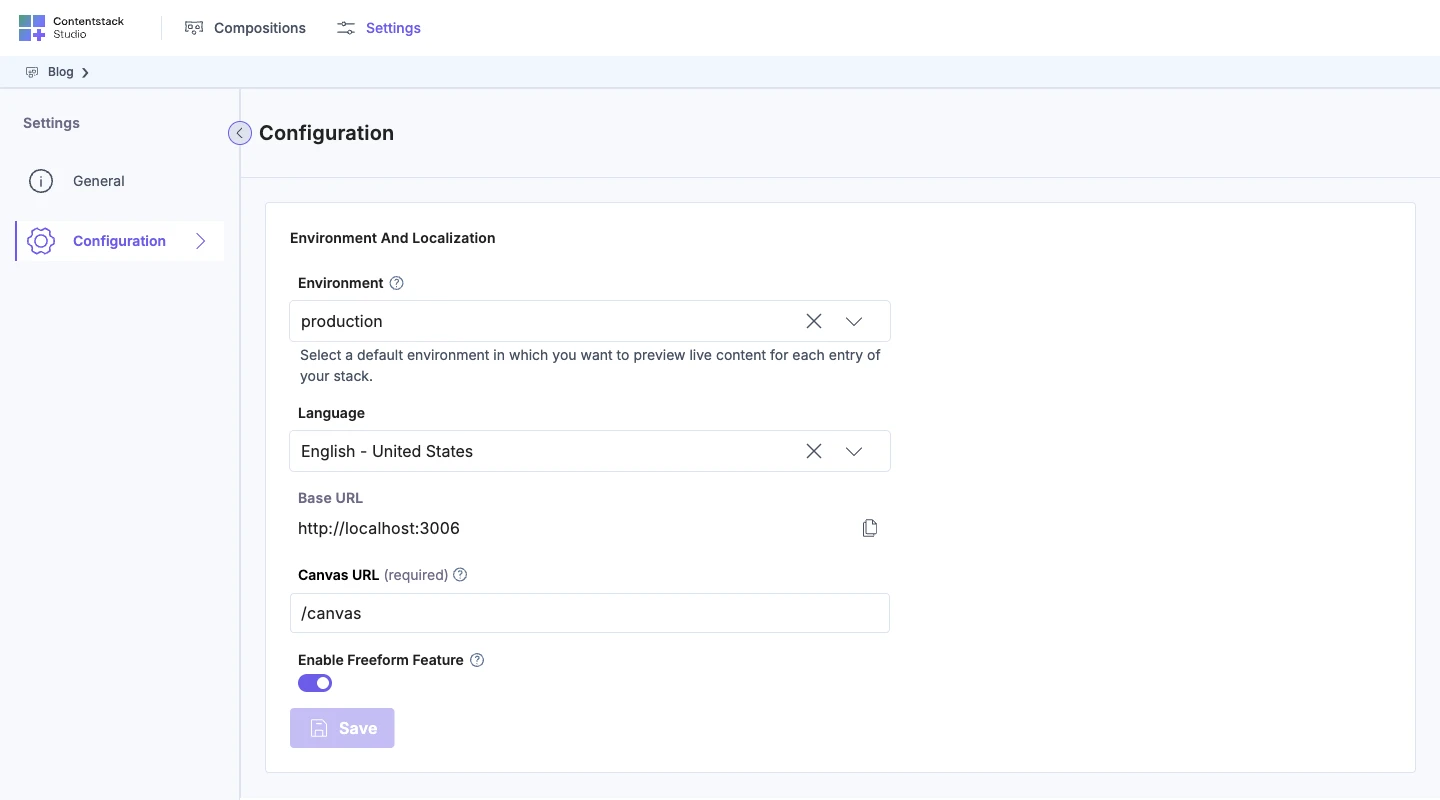
Pinned Entries, Pinned Queries and Component Data all live on the section's Data tab, which appears only when Enable Freeform Feature is on for the project.
To pass values from your app to components inside a section, see Bring your own data and StudioComposition and Slot props.
Render the section with data from your page
Use <StudioComposition> when your page has the data. It renders the section against a context object you pass in, and it fetches no content.
context is the data the section's bindings read. A binding to name reads context.name. Pass the item as you have it, without a wrapper object. In this example, the Author card reads name, photo.url and link.href, so each item in authors has a name, a photo with a url, and a link with an href.
Give <StudioComposition> the context and one of these:
- A
specyou fetched withsdk.fetchComposition. This works on the client and the server. - A
compositionUid. The component fetches the section itself, on the client only.
For every prop, see StudioComposition and Slot props.
// "use client" on the client. The compositionUid path fetches in the browser.
import { StudioComposition } from "@contentstack/studio-react";

export function AuthorListItem({ person }: { person: Person }) {
  return (
    <StudioComposition
      compositionUid="author_card_section"
      context={person}
      loadingFallback={<CardSkeleton />}
      errorFallback={<CardMissing />}
    />
  );
}
loadingFallback and errorFallback both default to null. Without them, a slow fetch and a failed one look the same. Nothing appears. Pass both.
Each <AuthorListItem> shows the Author card with that author's name and photo. Until the fetch finishes, it shows <CardSkeleton />.
Pass context, not data. data is a prop of <StudioComponent />, and <StudioComposition> ignores it.
<StudioComposition> also doesn't use the values typed on the section. A prop bound to a typed value shows its default. To use typed values, see Render the section with data stored on it.
Render the section once for each item in a list
The Authors page renders the Author card once for each author. Fetch the spec once, above the loop, and reuse it. On the server, spec and context must be plain values. See Render an embedded section on the server.
// app/authors/page.tsx
import { sdk } from "@/lib/contentstack";
import { StudioComposition } from "@contentstack/studio-react";

export default async function AuthorsPage() {
  const [authors, spec] = await Promise.all([
    getAuthors(),
    sdk.fetchComposition({ compositionUid: "author_card_section", searchQuery: "" }),
  ]);

  return (
    <div className="author-grid">
      {authors.map((person) => (
        <StudioComposition key={person.name} spec={spec} context={person} />
      ))}
    </div>
  );
}
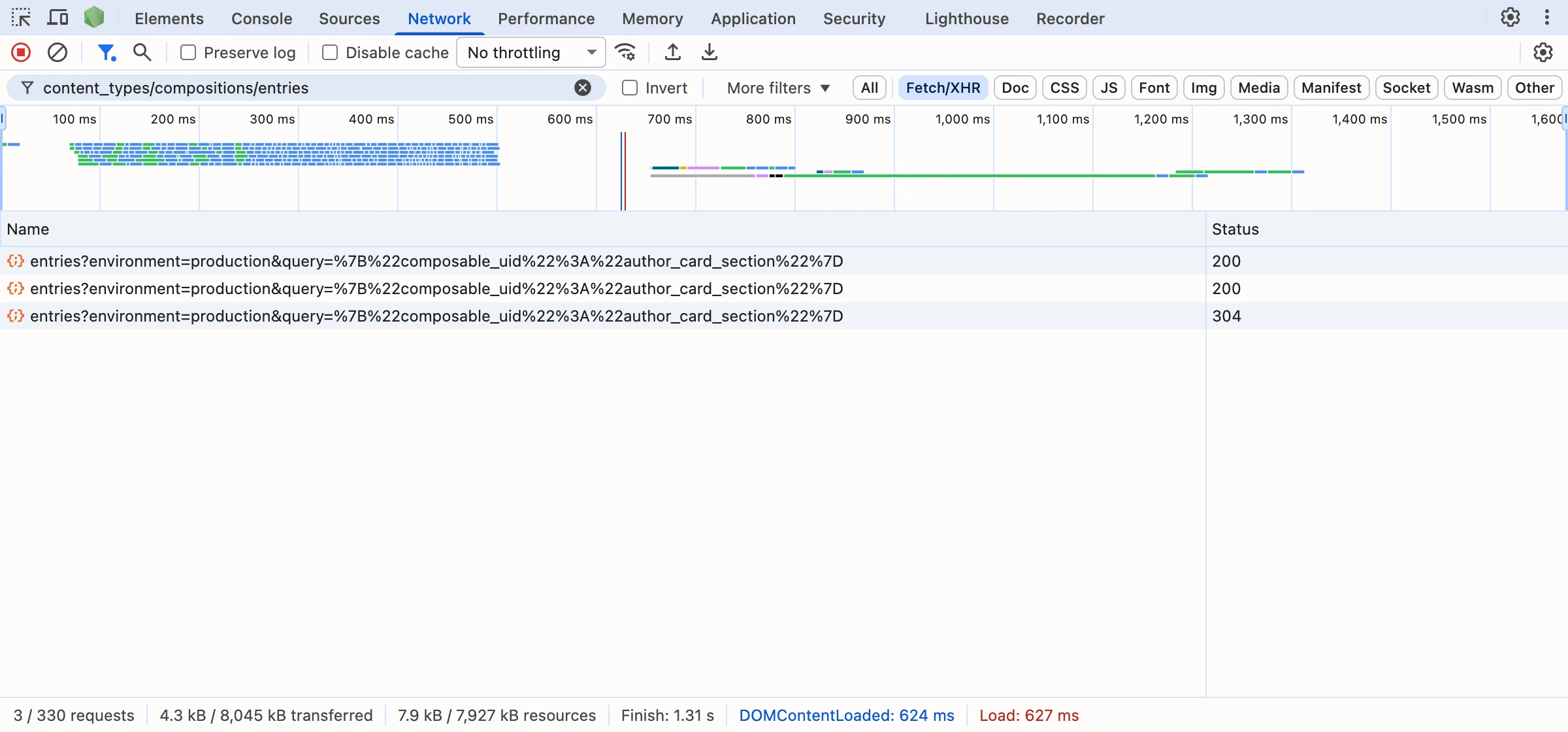
sdk.fetchComposition returns the section's structure with empty data. You supply the data through context. Each <StudioComposition compositionUid> fetches on its own, so a loop of them makes at least one request per author.
A section renders as its contents, with no element around them. In a CSS grid, put each <StudioComposition> in its own <div>, or the pieces of one card become separate grid cells.
The Authors page now shows three Author cards, one for each author in authors.
Render the section with data stored on it
Use useCompositionData when the section stores its own data. In the Blog project, Enable Freeform Feature is on, so the section has a Data tab with the Pinned Entries, Pinned Queries and Component Data cards. If your project has it off, turn it on in Project settings.
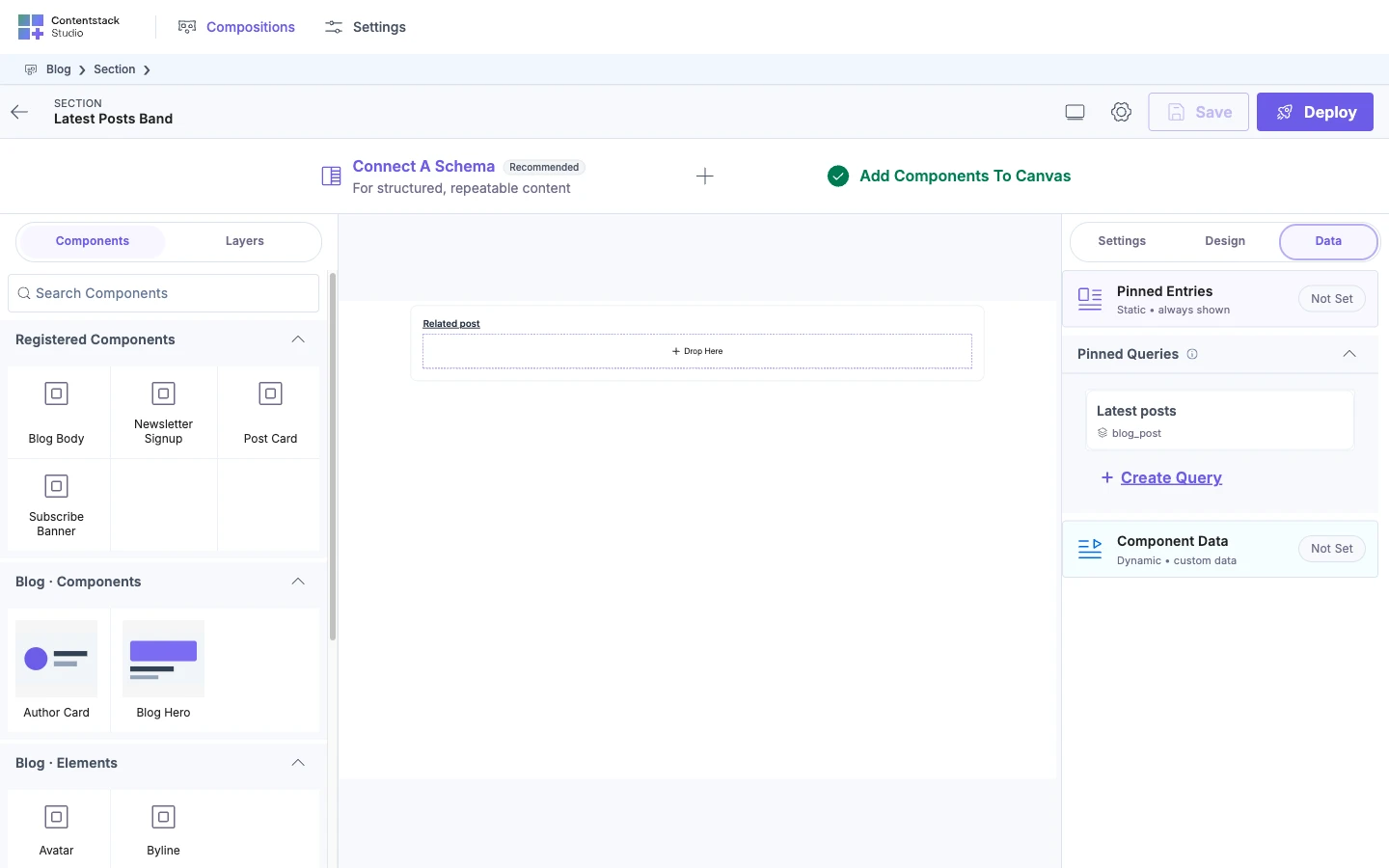
To bind a prop, see Bind a component. To save the Latest posts query, see Add a query.
The Latest posts band stores a Pinned Query, so your page passes no data to it.
"use client";
import { useEffect } from "react";
import { useCompositionData, StudioComponent } from "@contentstack/studio-react";

export function LatestPostsBand() {
  const { specOptions, isLoading, error } = useCompositionData({
    compositionUid: "latest_posts_band",
  });

  useEffect(() => {
    if (error) console.error(error);
  }, [error]);

  if (isLoading || error || !specOptions?.spec) return null;
  return <StudioComponent specOptions={specOptions} />;
}
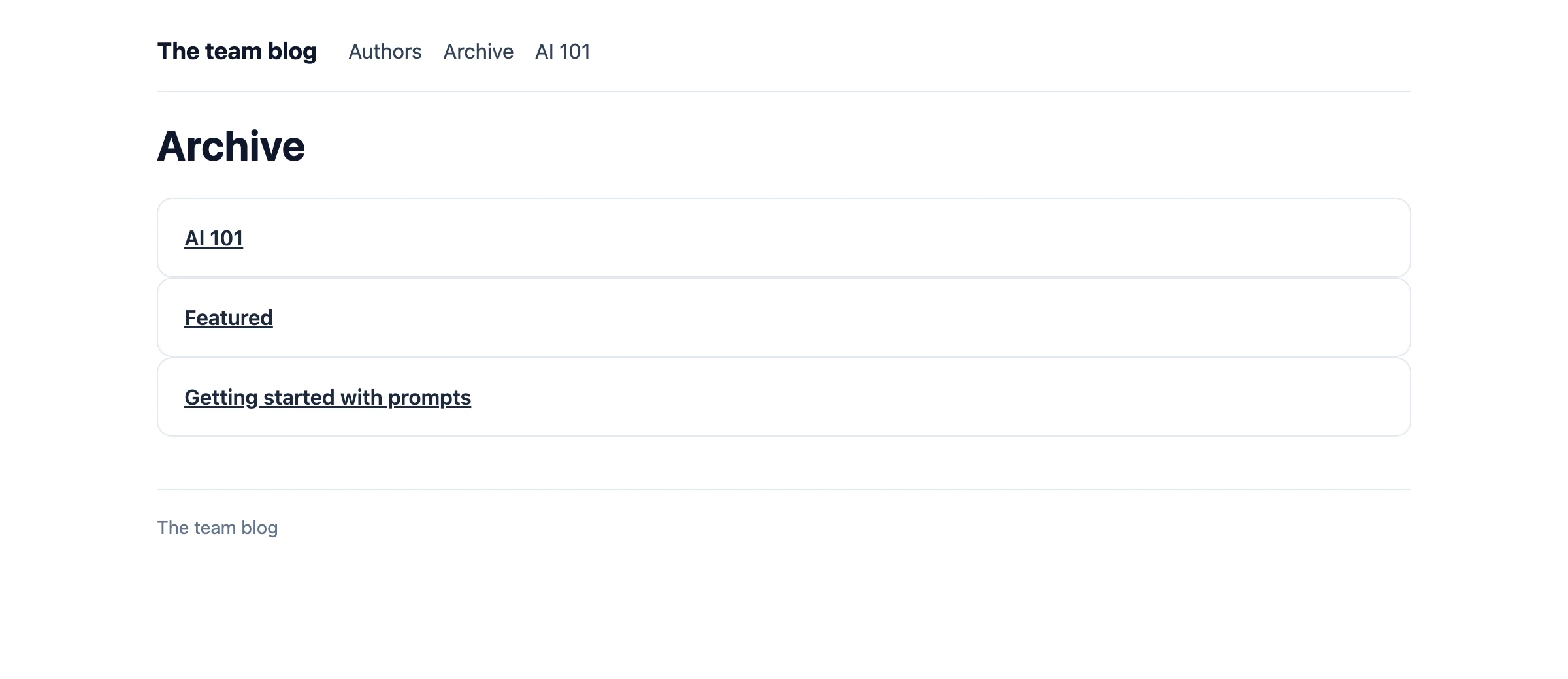
Put <LatestPostsBand /> on the Archive page, between your own header and footer. The hook returns specOptions, isLoading, error, refetchSpec and refetchData. The hook doesn't log its error, so the example logs it. When it works, the Archive page shows the PostCards from the Latest posts query.
For where a section's values can come from, see Data sources reference.
Render an embedded section on the server
A <StudioComposition> can't fetch by compositionUid during a server render, because the fetch runs in the browser. Fetch the spec on the server and pass spec, as the loop above does.
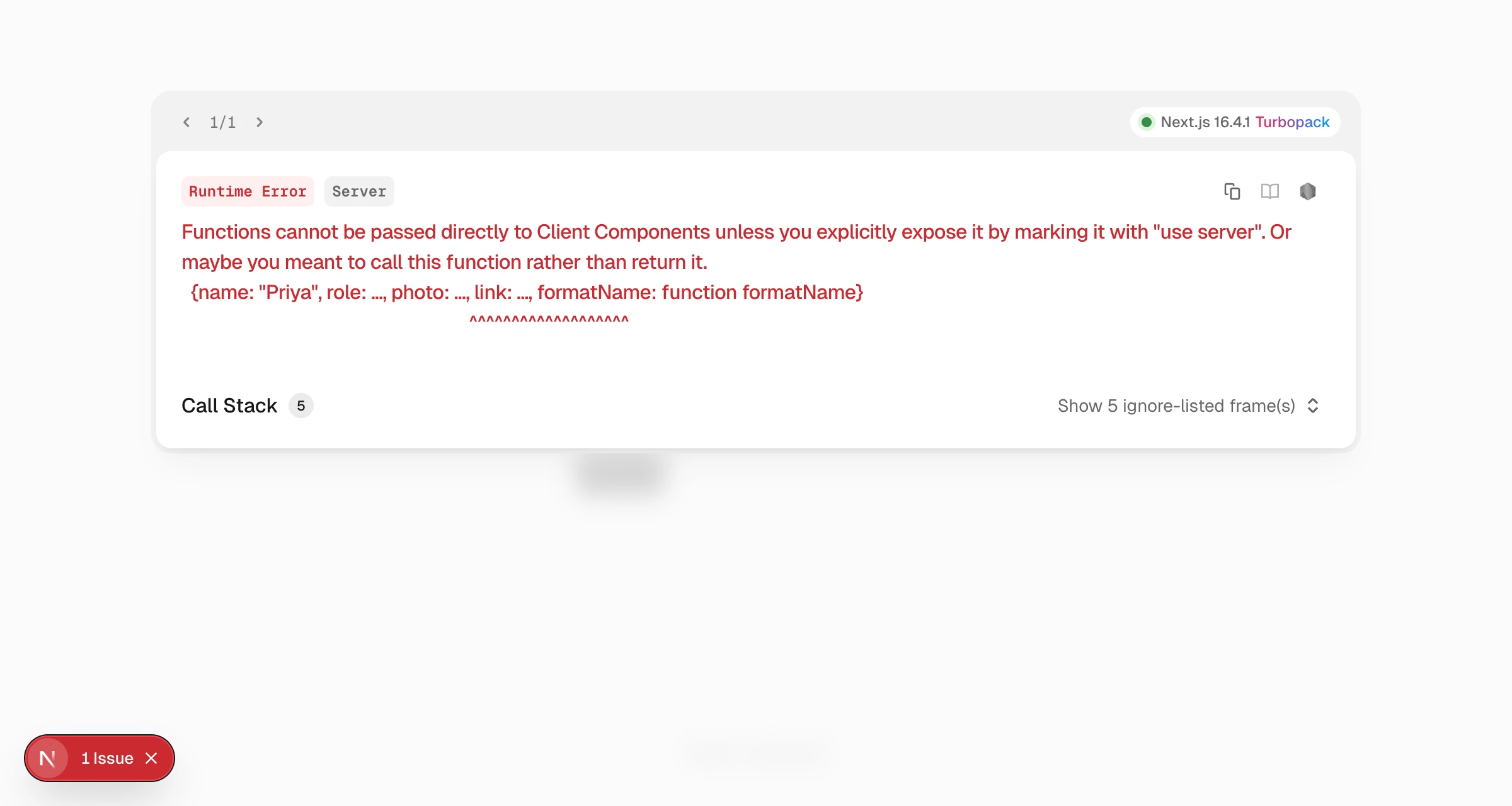
<StudioComposition> is a Client Component, so spec and context pass from the server to the client. Pass plain values, such as objects, arrays, strings, numbers, booleans and null. Next.js can't send functions or class instances from the server to the client.
For the useCompositionData approaches, fetch on the server and pass the result to a Client Component. The Archive page then shows the same band as the client version:
// app/archive/page.tsx, a Server Component
import { sdk } from "@/lib/contentstack";
import { LatestPostsBandClient } from "./LatestPostsBandClient";

export default async function ArchivePage() {
  const specOptions = await sdk.fetchCompositionData({
    compositionUid: "latest_posts_band",
    searchQuery: "",
  });

  return <LatestPostsBandClient specOptions={specOptions} />;
}
// app/archive/LatestPostsBandClient.tsx
"use client";
import { StudioComponent, type StudioComponentSpecOptions } from "@contentstack/studio-react";

export function LatestPostsBandClient({
  specOptions,
}: {
  specOptions: StudioComponentSpecOptions;
}) {
  return <StudioComponent specOptions={specOptions} />;
}
On the server, sdk.fetchCompositionData and sdk.fetchComposition reject when they fail. Pass the error to isCompositionNotFound, from @contentstack/studio-react. It's true when Studio finished looking and the section or its entry isn't there, such as COMPOSITION_UID_NOT_FOUND or CONNECTED_ENTRY_NOT_FOUND. Your page still exists, so render it without the section. When it's false, Studio couldn't get an answer, so let the error reach your framework's error page.
import { isCompositionNotFound } from "@contentstack/studio-react";

let specOptions = null;
try {
  specOptions = await sdk.fetchCompositionData({
    compositionUid: "latest_posts_band",
    searchQuery: "",
  });
} catch (error) {
  if (!isCompositionNotFound(error)) throw error;
}
To choose between client and server rendering, see Choose CSR or SSR.
If an embedded section doesn't work
Find what you see below. Each problem says why it happens and what to do, and ends with what it looks like.
The SDK is not initialized
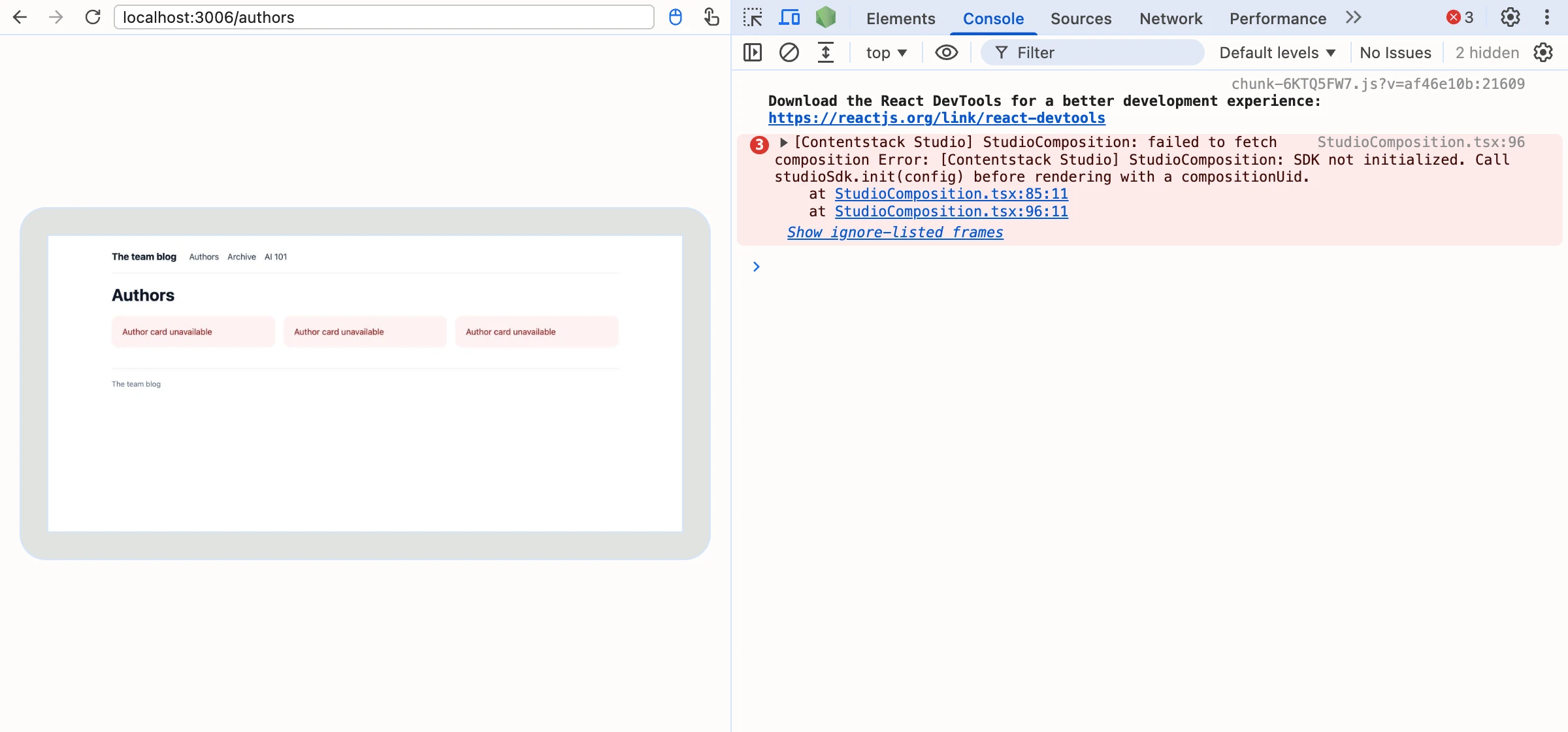
The console says "StudioComposition: SDK not initialized." and the error fallback shows. The compositionUid approach needs the SDK, and studioSdk.init hasn't run. Call studioSdk.init once at app startup. Check that this page imports the module that runs it.
The component says it needs a spec or a compositionUid
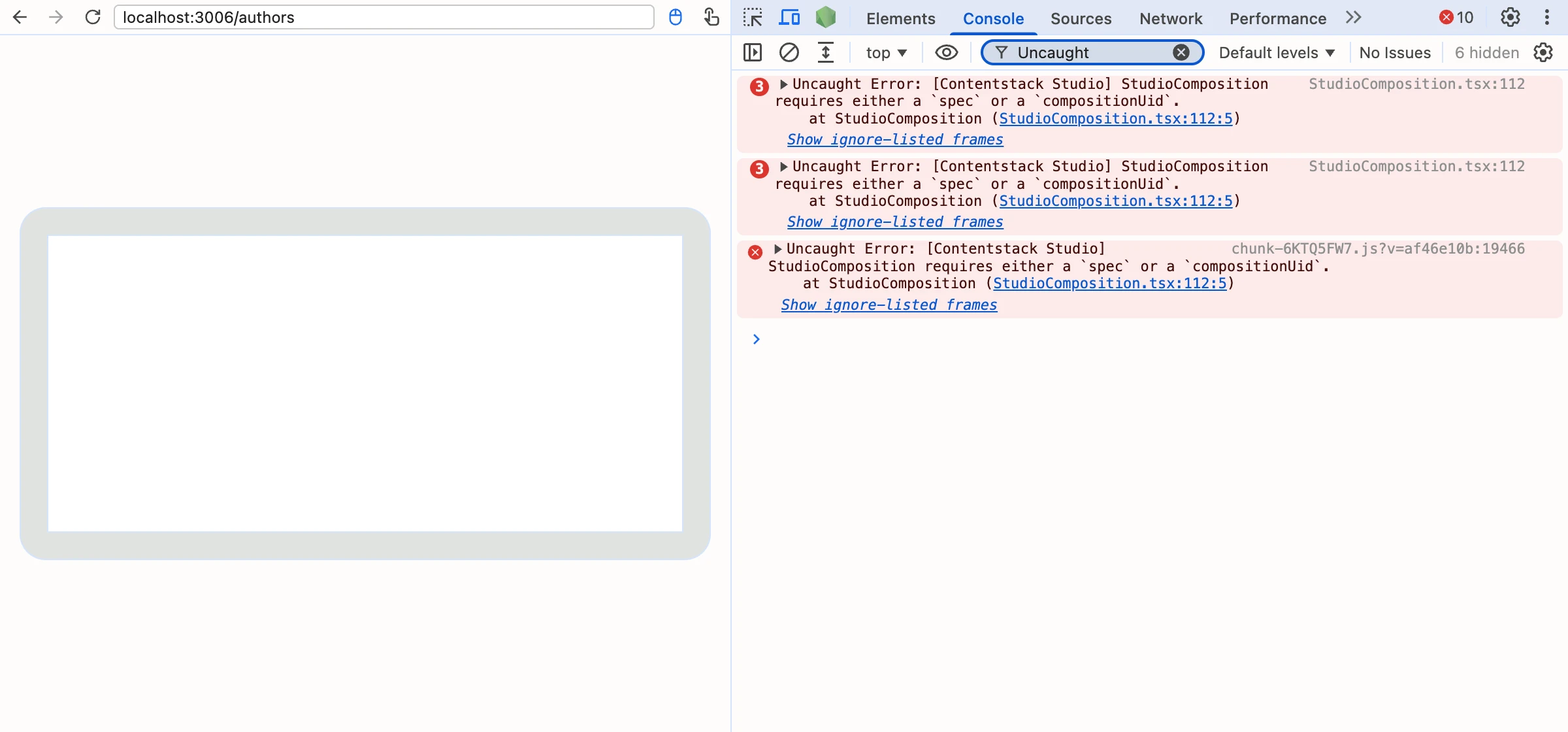
The error is "StudioComposition requires either a spec or a compositionUid." Neither prop reaches the component. A spec that is undefined counts as missing. Pass one. Log the value before you render.
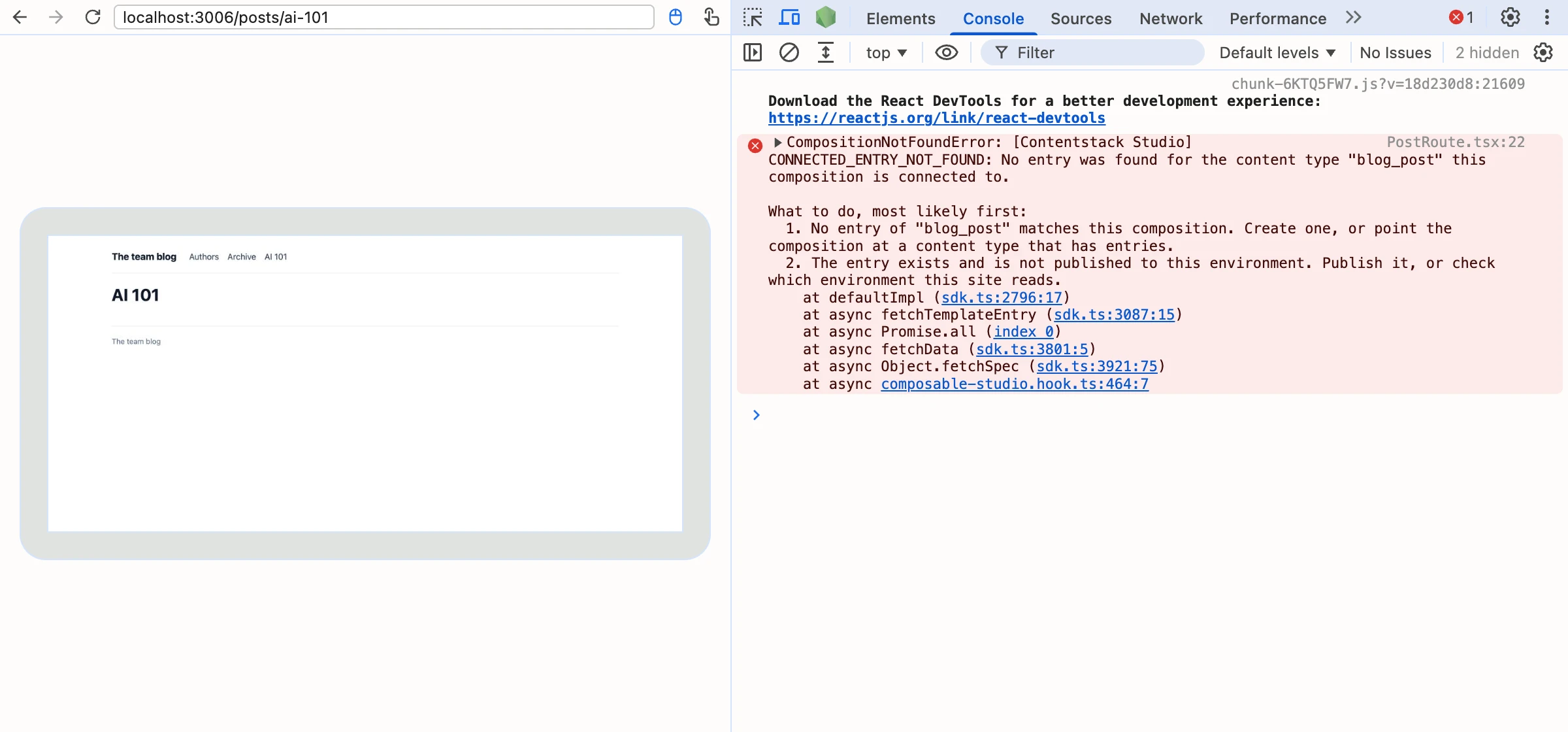
The hook says a UID is required
The hook returns the error "Either compositionUid, url, or templateContentTypeUid is required". Your compositionUid is undefined, for example because it comes from a variable that isn't set yet. Skip rendering until the UID exists.
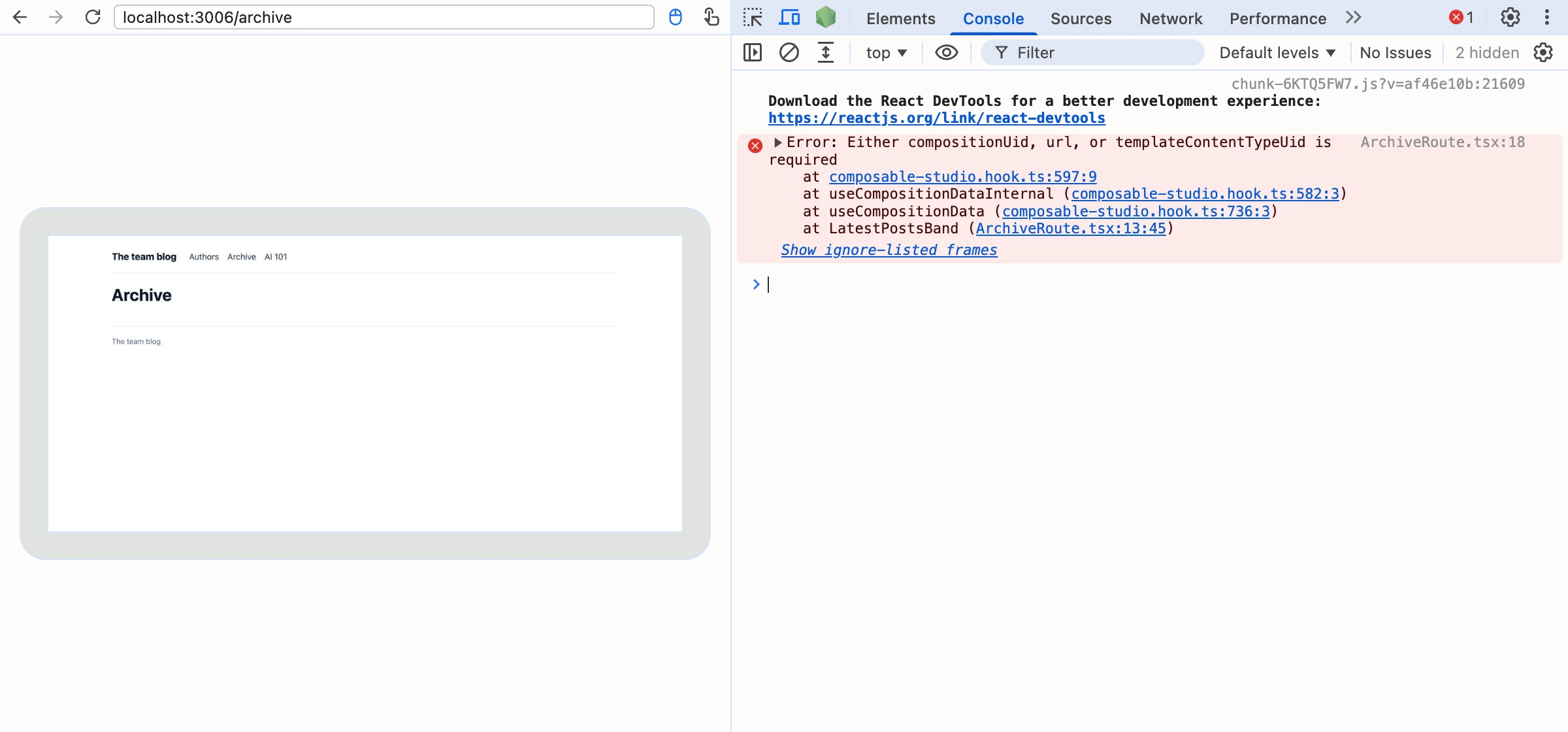
The error is COMPOSITION_UID_NOT_FOUND
The error is COMPOSITION_UID_NOT_FOUND, No composition with the uid "author_card_section" in content type "compositions". The UID matches nothing, or you haven't deployed the section to the environment your app reads. Check the Section UID spelling and deploy the section. See COMPOSITION_UID_NOT_FOUND.
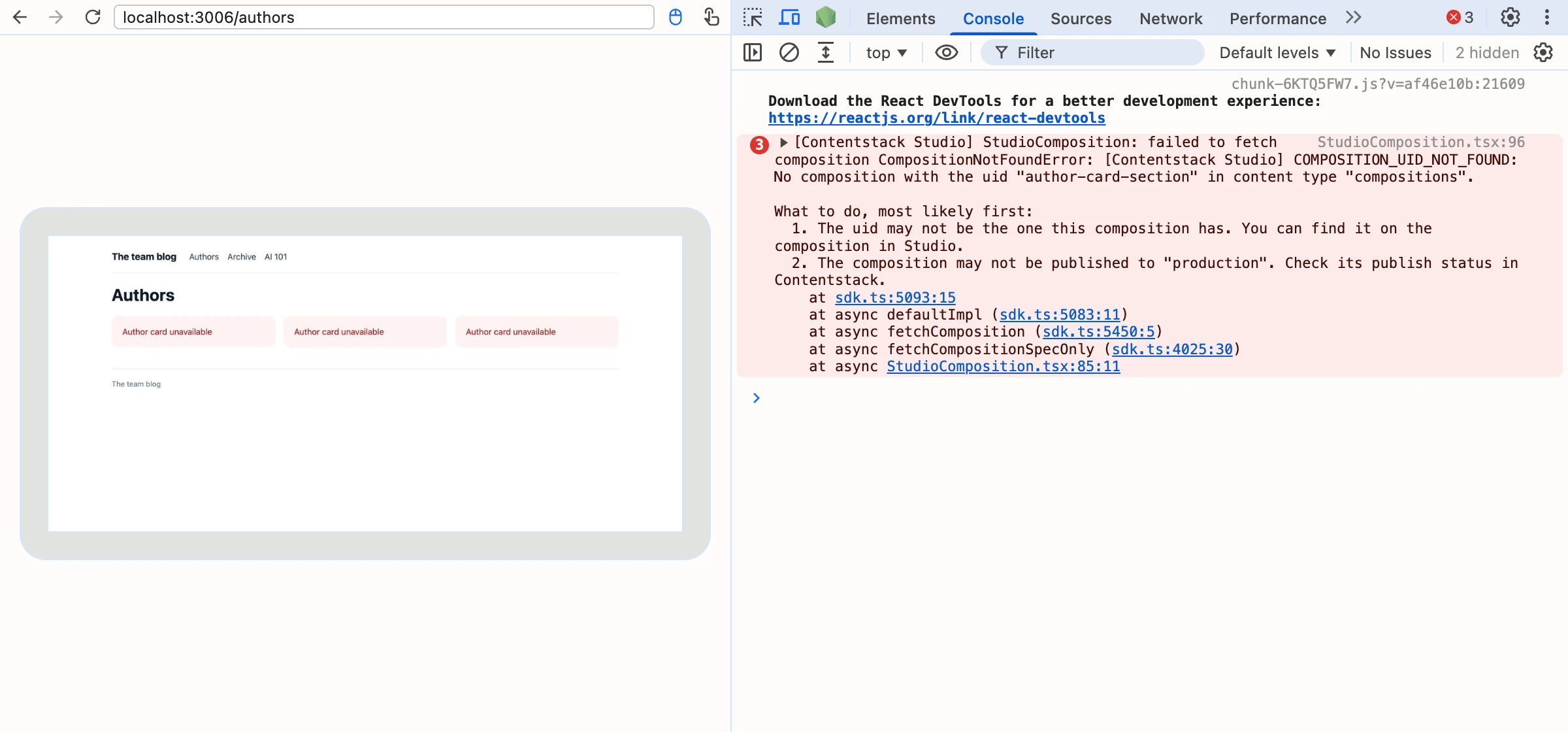
The error is COMPONENT_NOT_REGISTERED
The error is COMPONENT_NOT_REGISTERED, "These components are used by this composition and not registered: …" The section uses components you haven't registered. Register them before the fetch. See Register a component.
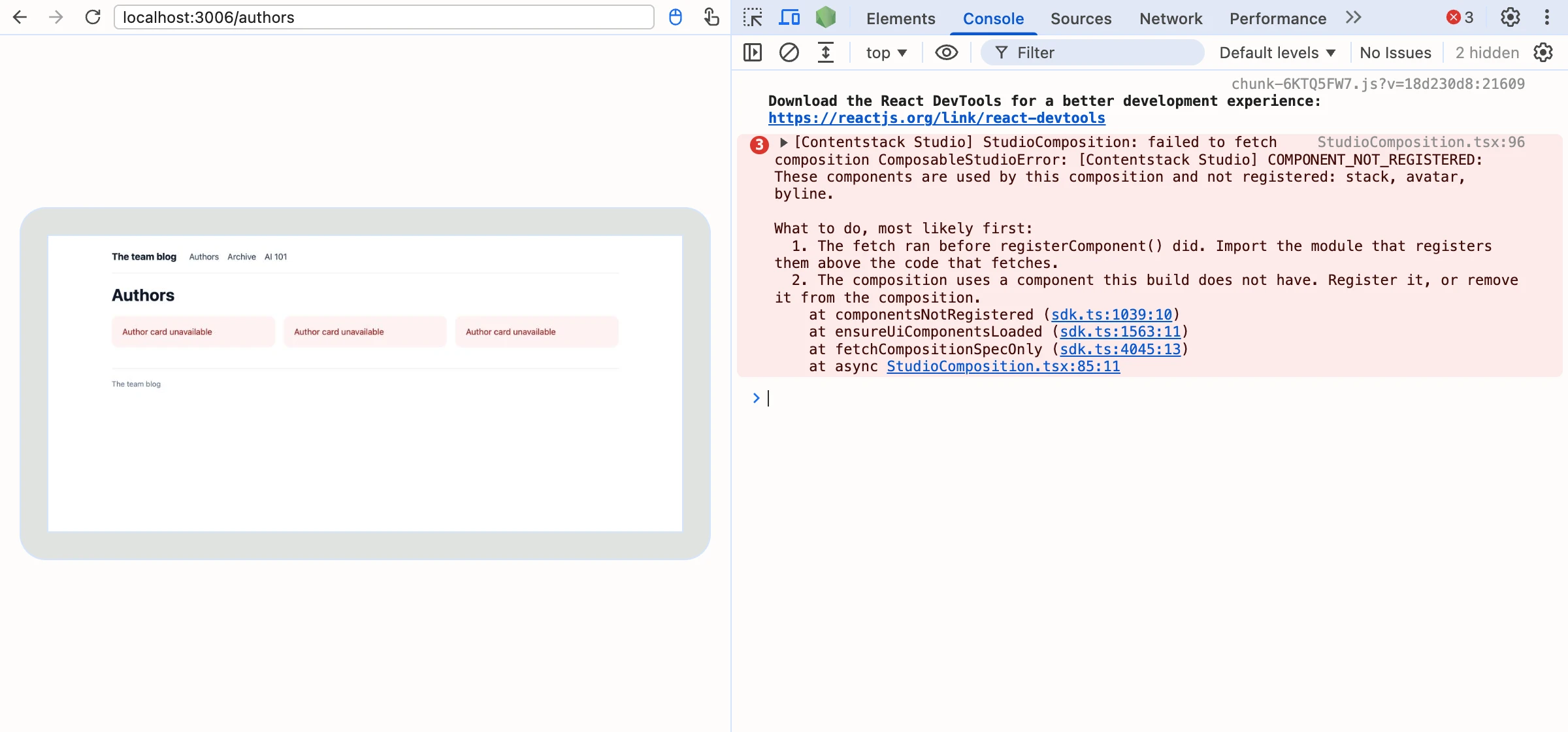
The error is CONNECTED_ENTRY_NOT_FOUND
The error is CONNECTED_ENTRY_NOT_FOUND, No entry was found for the content type "blog_post" this composition is connected to. The section has a linked schema, and nothing filled it. Pass the data as context on <StudioComposition>. See CONNECTED_ENTRY_NOT_FOUND.
Bound values are blank or show their defaults
context doesn't have the keys the section's bindings read, or you passed data instead of context. <StudioComposition> has no data prop. Open the section in Studio, read the bindings on the blank components, and pass those keys as context.
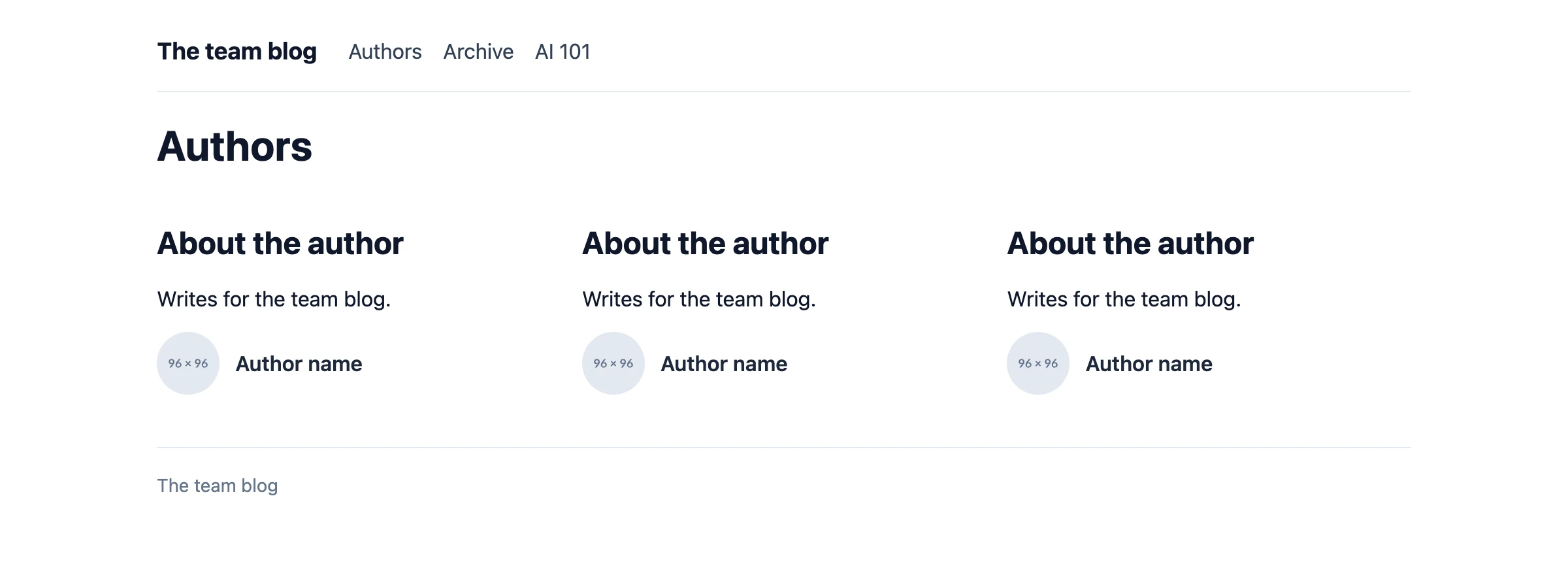
An empty gap where <StudioComposition> should render
Both fallbacks default to null. Pass loadingFallback and errorFallback, then read the console for the cause.
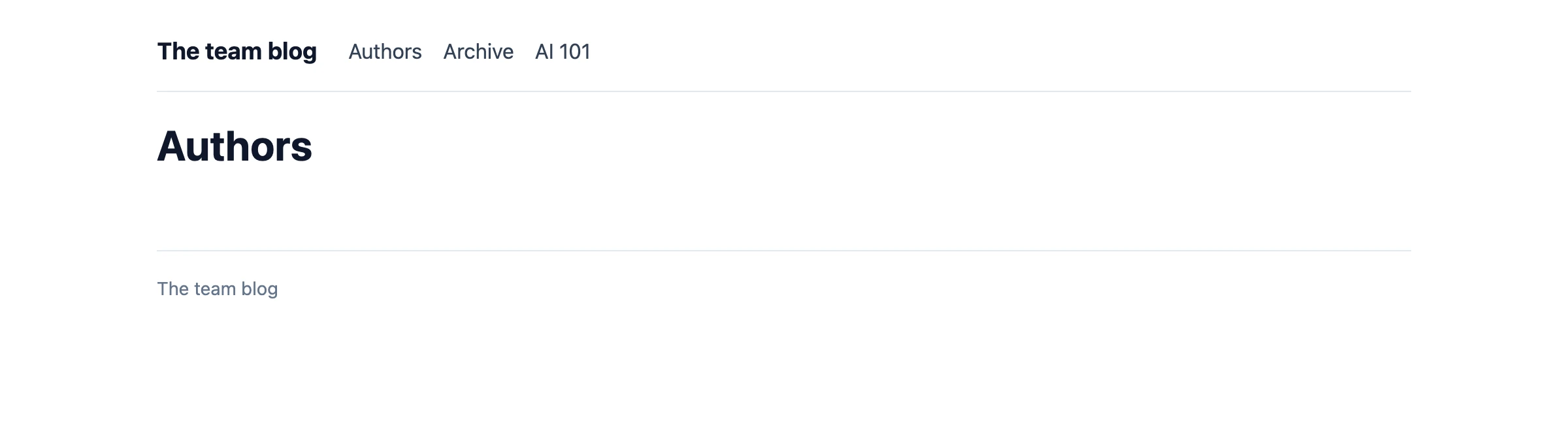
An empty gap where the useCompositionData section should render
The hook returned an error or no spec, so the component returned null. Read the logged error, and check the Section UID and that the SDK is initialized.
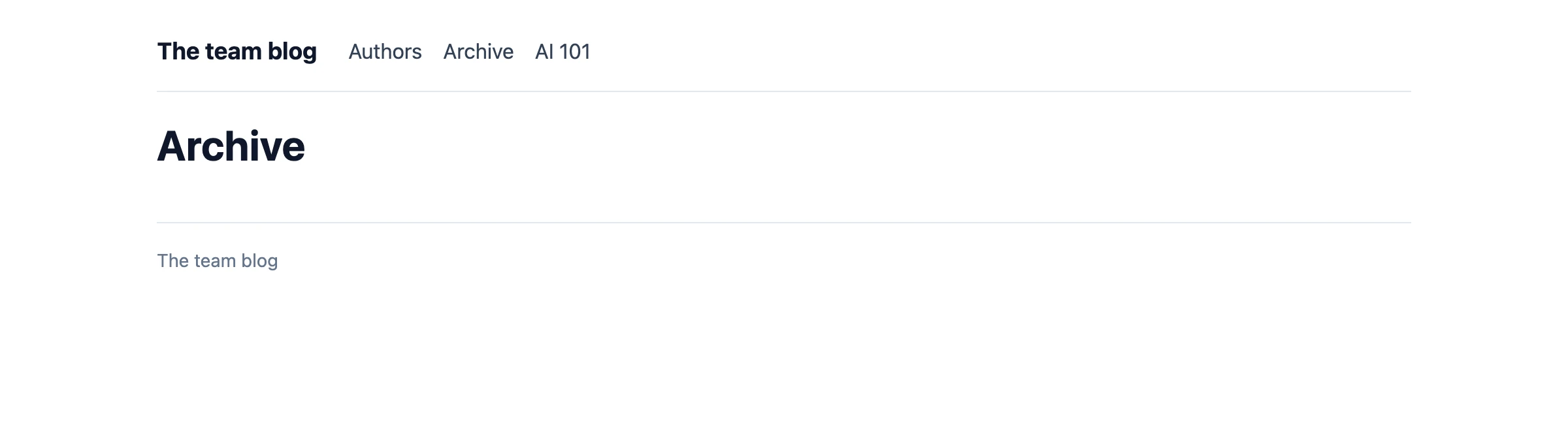
The server sends an empty page and the content appears later
You passed compositionUid on a server render. Fetch with sdk.fetchComposition on the server and pass spec.
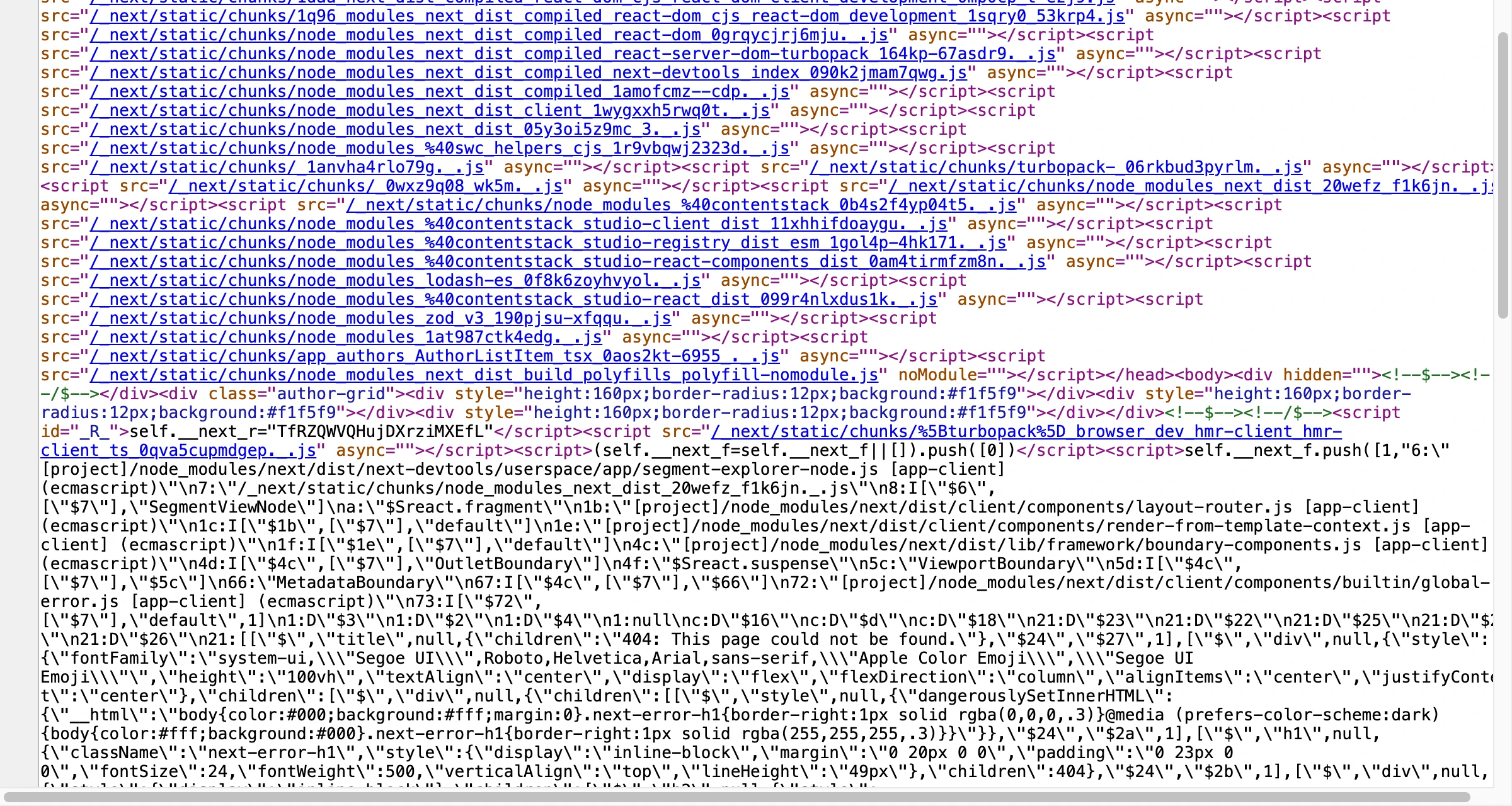
Next.js reports an error about passing props to a Client Component
spec or context contains something Next.js can't serialize, such as a function or a class instance. Map your data to plain objects before you pass it.
One request per item in a loop
Each compositionUid mount fetches on its own. Fetch the spec once above the loop and pass spec.
For the props and the fetchComposition query shape, see StudioComposition and Slot props. To pass values to components inside a section, see Bring your own data.