Connected or freeform template?
A template is either connected or freeform. Both have a URL, both are built from sections and components, and both are listed on the Templates tab. Decide which kind before you create one, because you can't switch later.
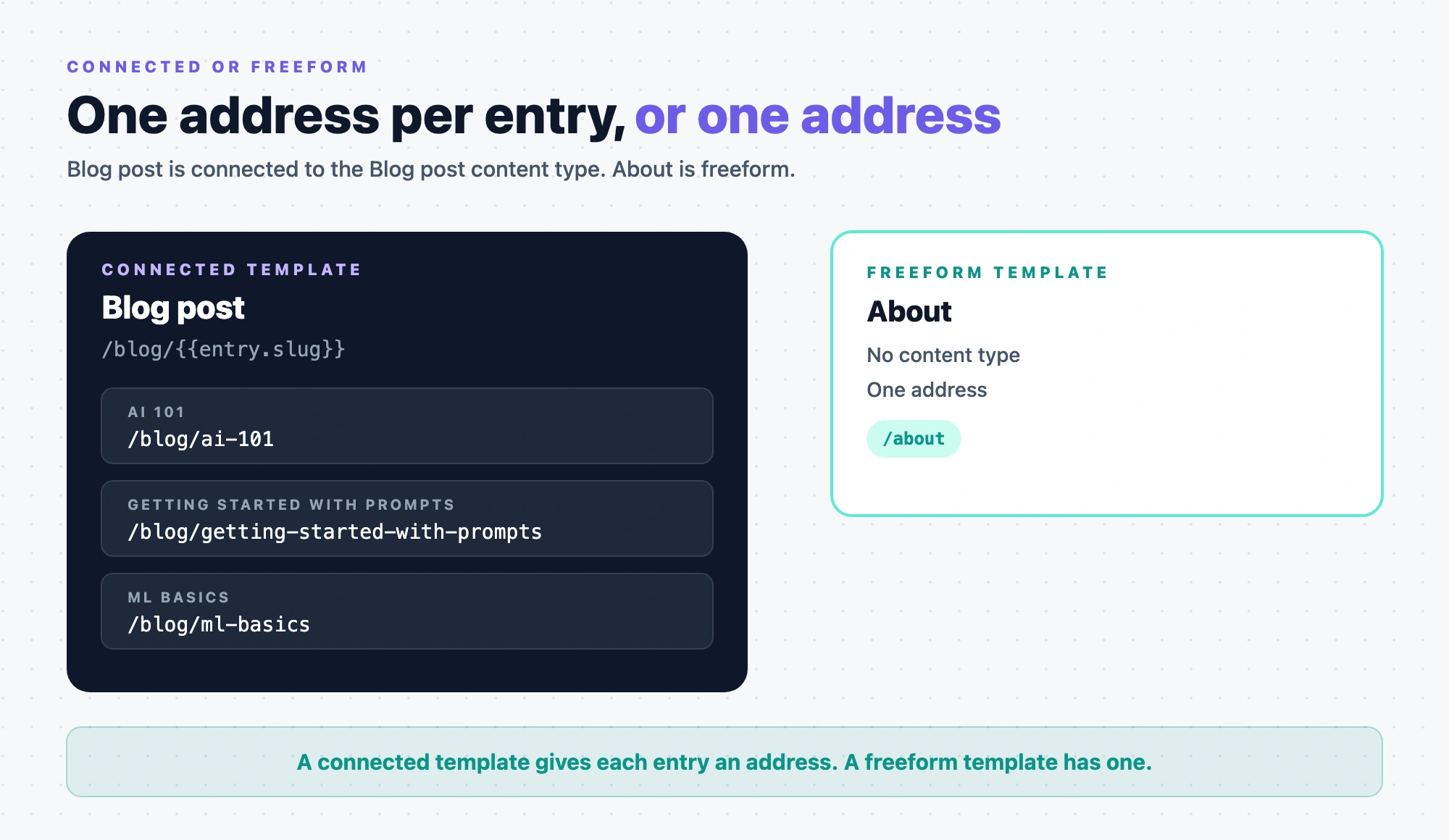
The example is the blog. The Blog post template is connected to the Blog post content type and renders every post, such as "AI 101" at /blog/ai-101. The About template is freeform and renders one address, /about.
How do they differ?
| Connected | Freeform | |
|---|---|---|
| Content type | One, picked when you create it, such as Blog post. You can't change it later. | None. The Connected Content Type column shows "-". |
| How many addresses | One for each entry, such as /blog/ai-101 and /blog/getting-started-with-prompts | One, such as /about |
| URL variables | Entry fields, such as {{entry.slug}}, and context variables | No entry fields. Edit URL offers {{composition_uid}}. |
| Where its content comes from | The entry being shown, through bindings. With Enable Freeform Feature on, it can also pin data in the Data tab. | What you add in the Data tab: Pinned Entries, Pinned Queries and Component Data |
| On the canvas | The content type's name and a PREVIEW ENTRY picker | FREEFORM MODE and the template's own name |
How to add data to either kind is in Add extra data to a template.
Which one should you pick?
Pick connected when the layout shows many entries of one content type, such as blog posts or products. One template then serves every entry, and each new entry gets its own address as soon as it has a value for every field the URL uses.
Pick freeform for a one-off address that isn't one entry, such as /about, whose layout pulls from several entries. If you find yourself building one freeform template for each entry, you want a connected template.
Freeform has to be turned on
A new project only offers connected templates. To create freeform templates, turn on Enable Freeform Feature in Settings, then Configuration, and click Save. See Enable Freeform Feature.
The setting also adds the Design and Data tabs to connected templates and sections. Turning it off later doesn't remove freeform templates you already have. They keep their tabs and still render on your site.
If it doesn't work
- There's no Freeform option under New Template. Enable Freeform Feature is off, so New Template goes straight to creating a connected template. Turn the setting on.
- Save stays greyed out after you turn the setting on. The Configuration form also needs an Environment, a Language and a Canvas URL, and a Base URL that Studio reads from the environment. If Base URL says "No base URL found!", add a URL for that language to the environment in Contentstack.
- A connected template has no Design or Data tab. Enable Freeform Feature is off.