Author a section with slots
Add a Section Slot to a section to leave a place that each template fills with its own content. You can also limit what goes in it, and choose what visitors see when a template leaves it empty.
The example is the blog's Post hero section. It gets a slot under the title. Its default is a small Post byline section, and only Post byline may be dropped in.
Prerequisites
- A section with its layout built, such as Post hero. See Build sections.
- For a default or an allowed list, the other sections already exist, such as Post byline.
- Slot or exposed prop decided. If templates only need a different value, expose a prop instead. See Section slots.
What this is and what you get
A Section Slot is an empty place in your section. On every template that uses the section, template builders can drop components or sections into it. What they drop in belongs to that placed copy of the section only.
Faster ways to do this
- Skills. Ask your agent to add a slot, and it uses
use-section-slot. To set a default or an allowed list, it usesconfigure-slot-defaults. See What are skills?
Add a Section Slot
-
Open the section, such as Post hero.
-
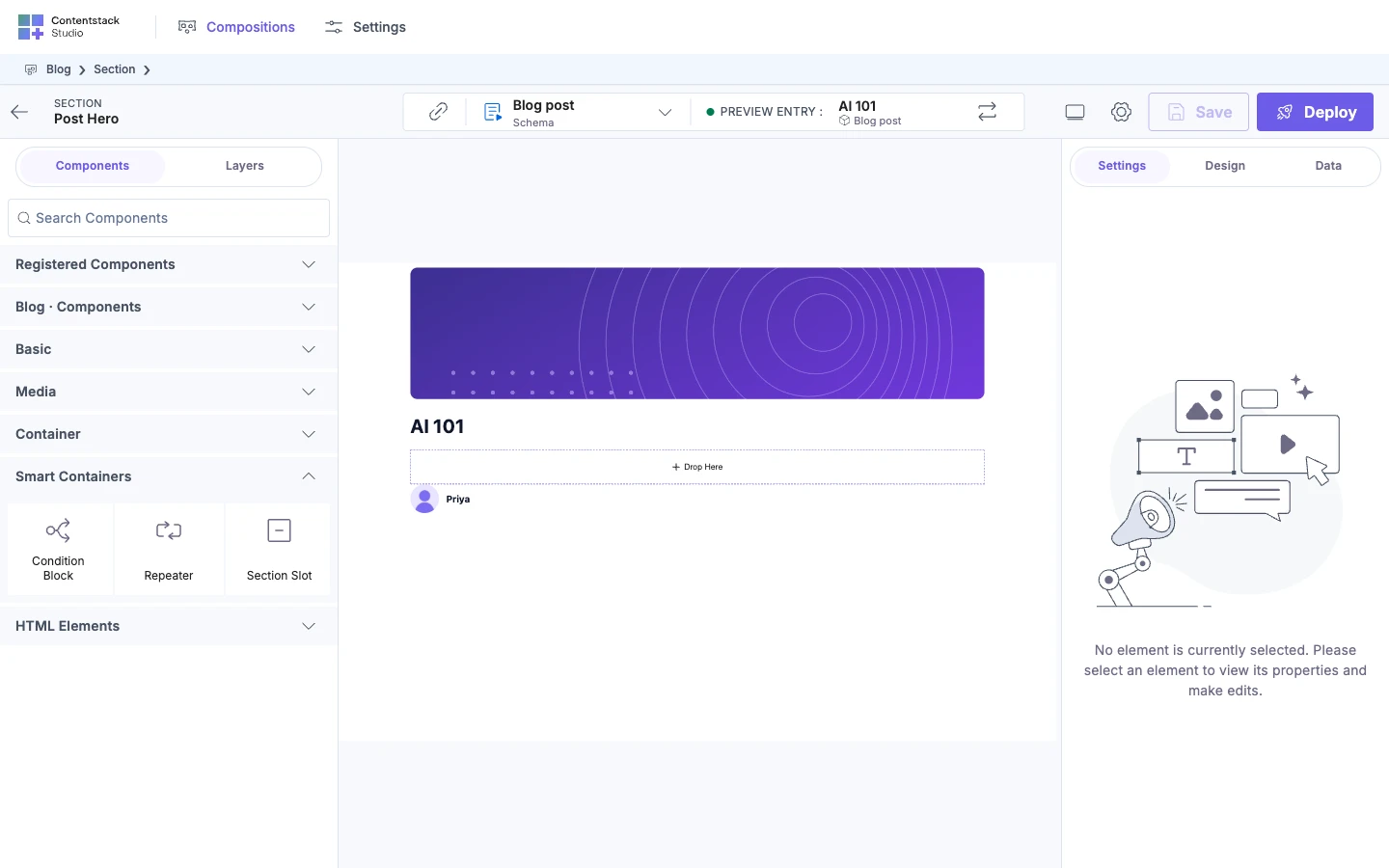
In the Components tab, open Smart Containers and drag Section Slot to where the template's content should go. For Post hero, drop it under the Header.
The slot shows Drop Here on the section's canvas. You can't drop anything into it here. Templates fill it.
-
Optionally, rename it in Layers, such as to
Byline, so you can tell your slots apart while you build the section. Double-click its row, type the name and press Enter. The name only shows in the section. On templates, every Section Slot is listed as Slot.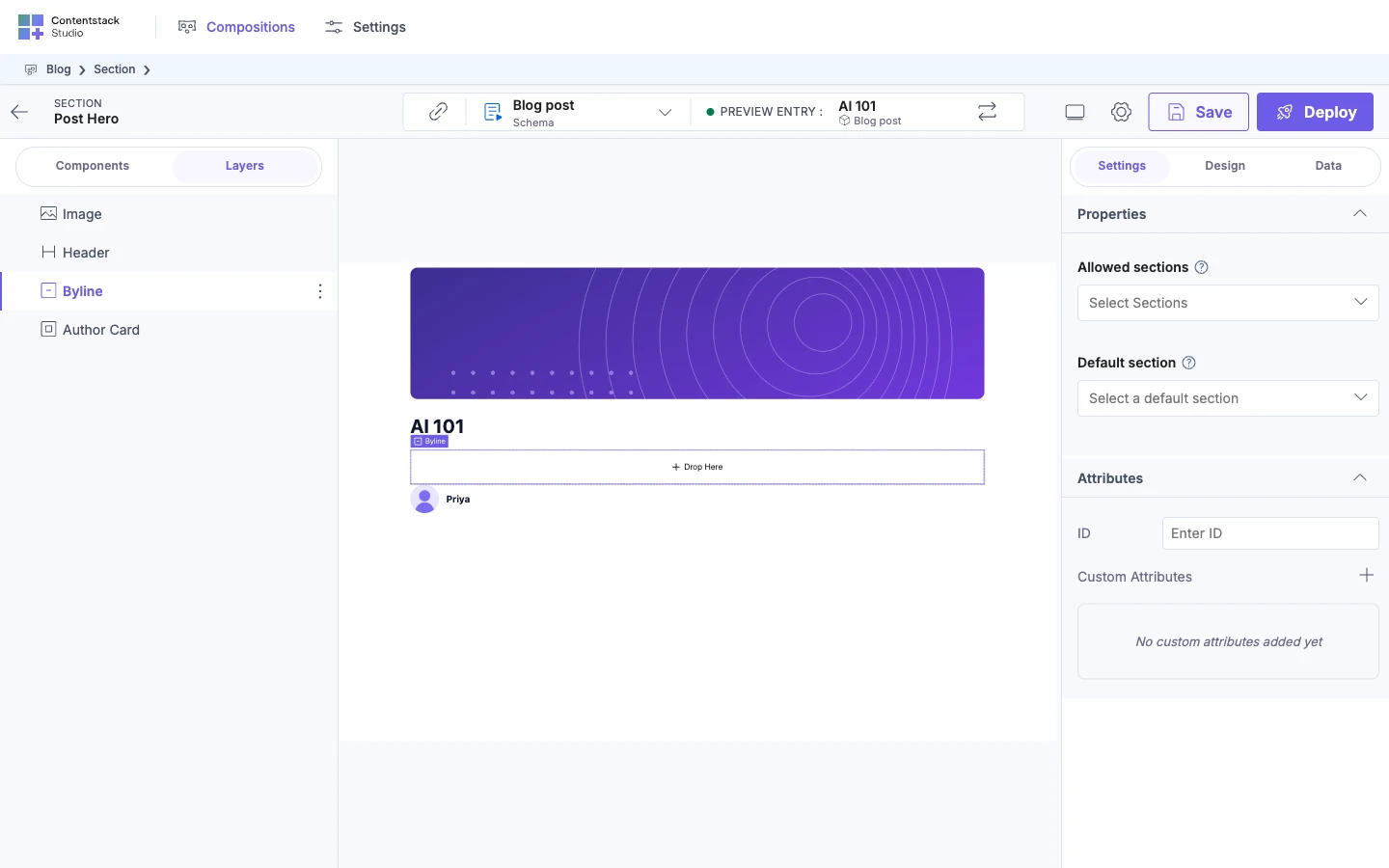
-
Click Save, then Save again in the Expose Props dialog.
Limit which sections fit
Set the allowed sections before the default, because a default that isn't allowed is cleared.
-
Select the Section Slot.
-
In the Settings tab, open Properties and find Allowed sections.
-
Pick each section templates may drop in. For Post hero, pick Post byline.
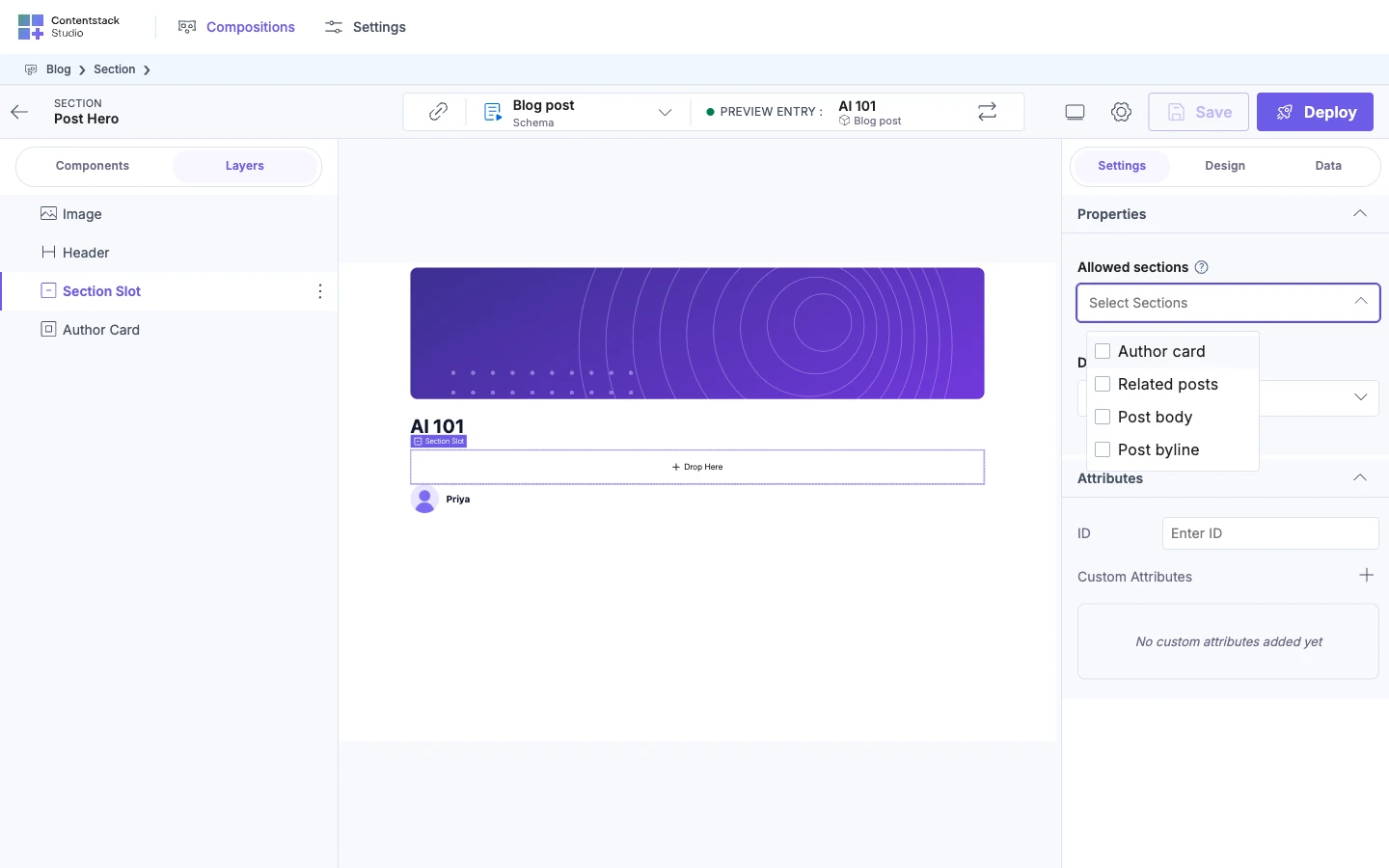
Leave it empty to allow any section. The list limits sections only. Template builders can still drop components into the slot.
Set a default section
-
Select the Section Slot.
-
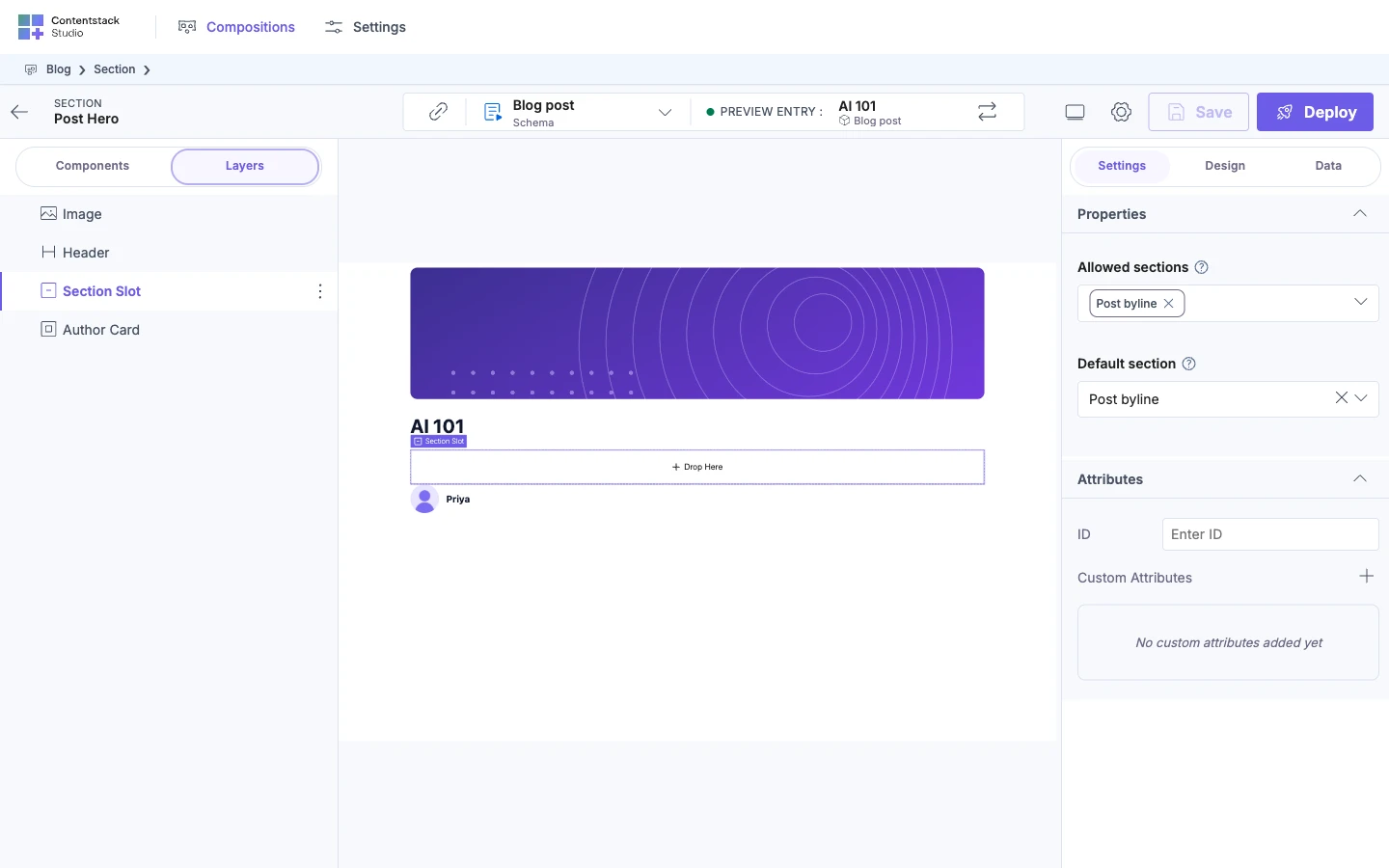
In Settings, under Properties, pick a Default section. For Post hero, pick Post byline. If you set allowed sections, only those are offered.
-
Save the section.
The default shows wherever a template leaves the slot empty: in Preview mode on the template's canvas, and on your live site. It isn't copied into the template. A template that drops something into the slot replaces it.
Check it on a template
-
Open a template, such as Blog post, and drop the section on it.
-
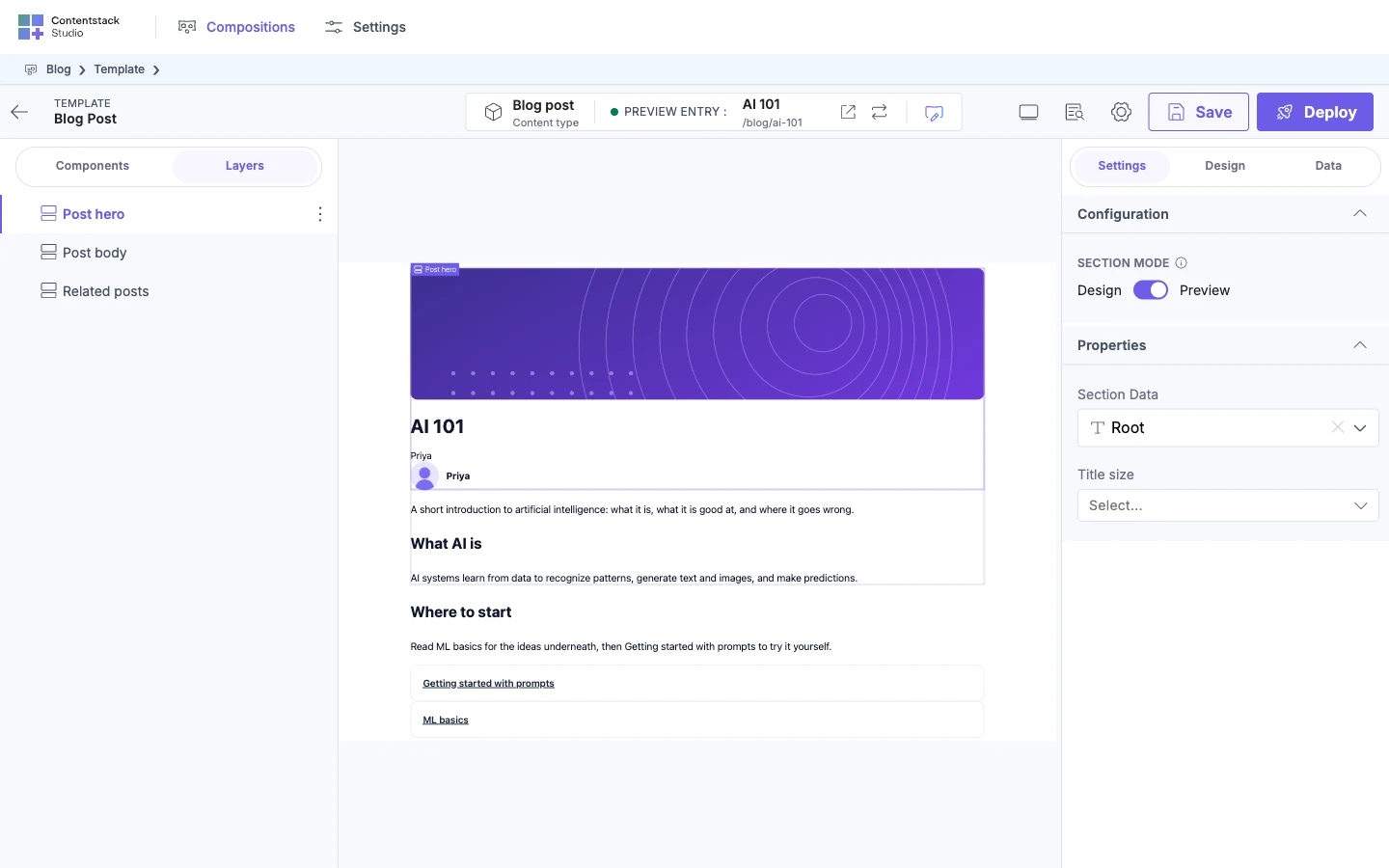
Select the placed section. In Settings, under Configuration, Section Mode switches between Design and Preview.
-
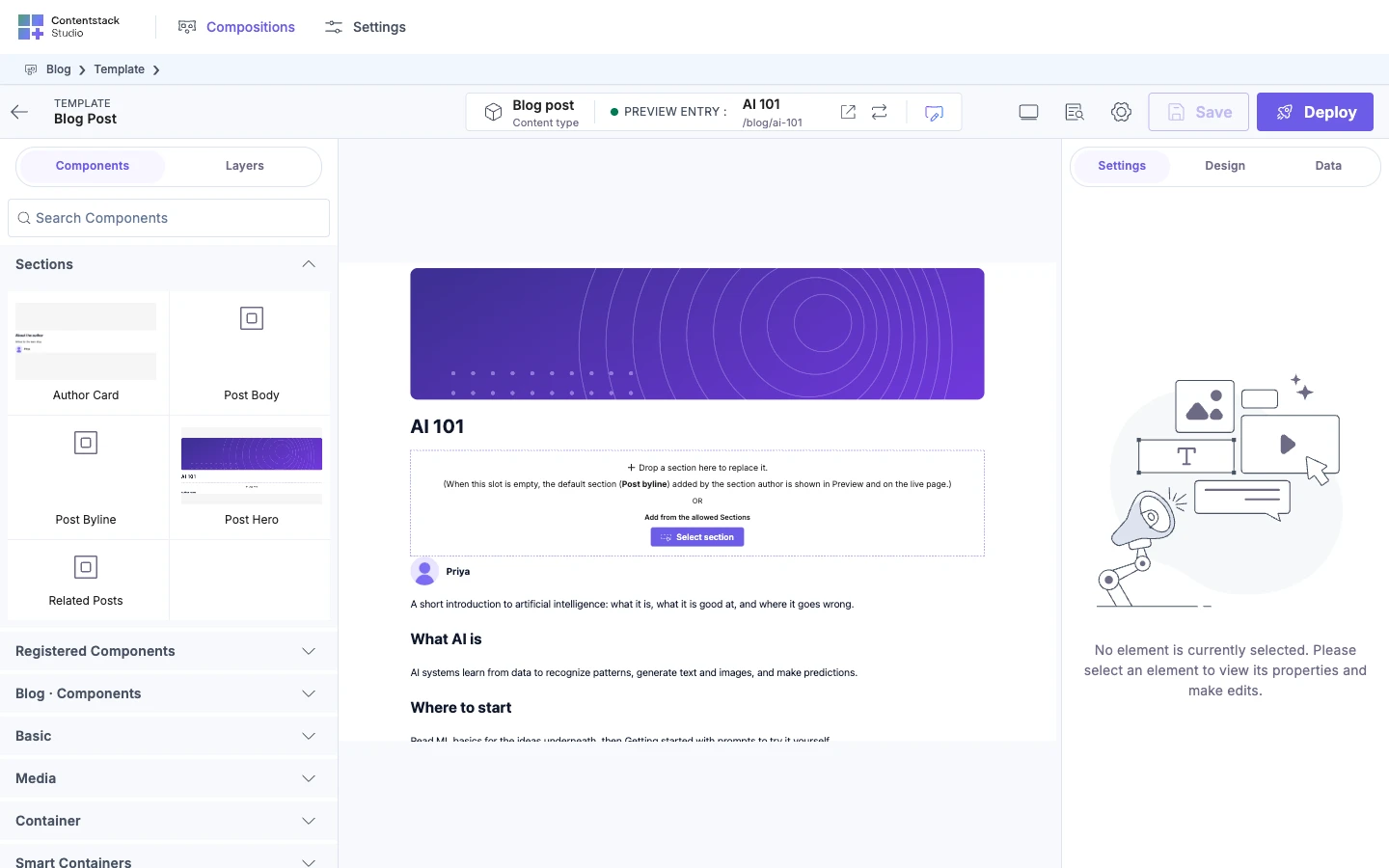
In Design, the empty slot says "Drop a section here to replace it.", and names the default section. In Preview, it shows the default section, as visitors see it.
What happens if you delete a slot?
Whatever templates dropped into it is removed from each template the next time that template is saved.
If it doesn't work
-
Section Slot isn't in the Components tab. You're on a template. Section Slots can only be added while you build a section.
-
You can't drop anything into the slot. You're on the section's own canvas. Slots are filled on templates.
-
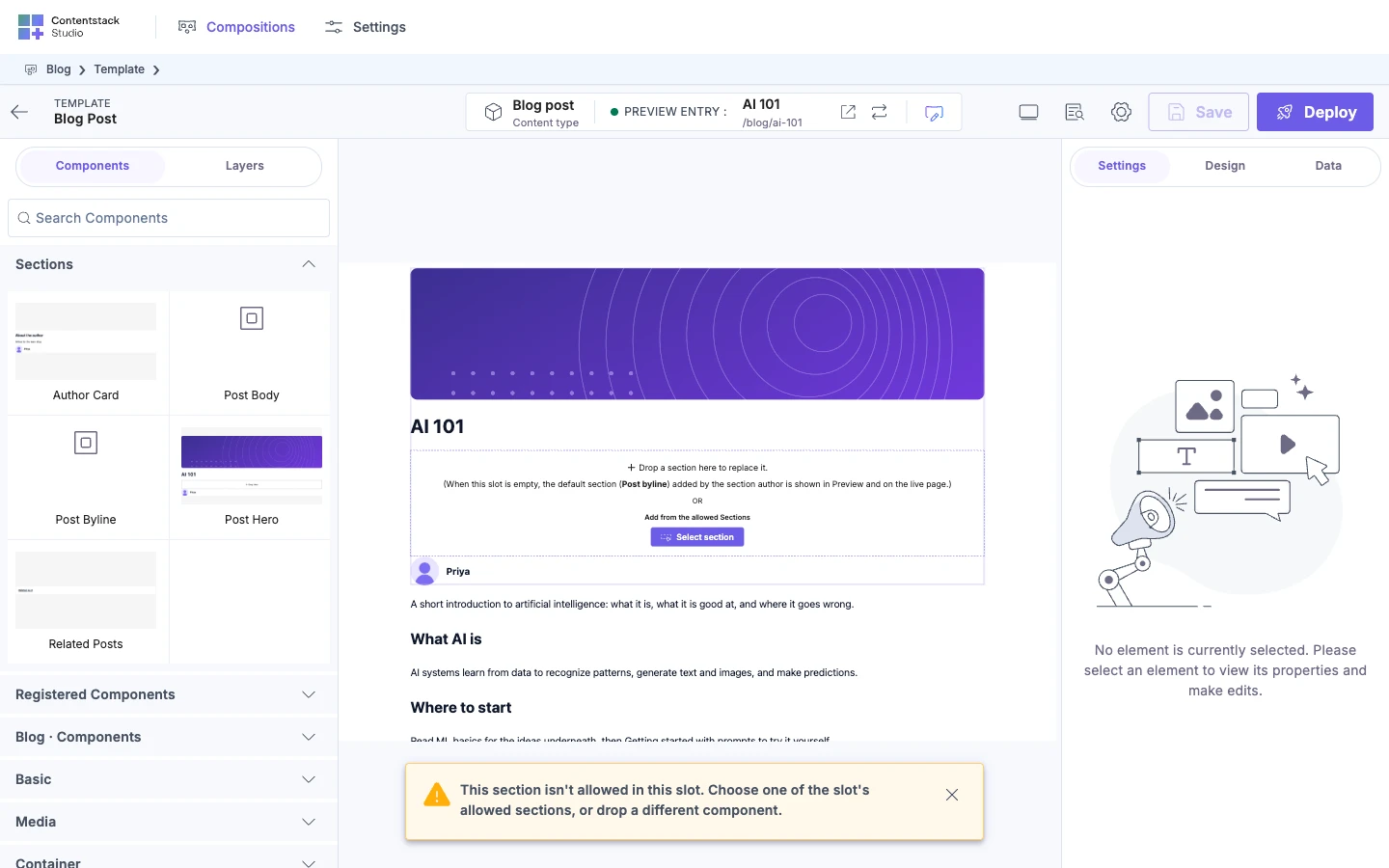
"This section isn't allowed in this slot. Choose one of the slot's allowed sections, or drop a different component." A template builder dropped a section that isn't in Allowed sections. Add it to the list, or have them add the section from the slot's +, which only offers allowed sections.
-
The default section doesn't show on the canvas. The slot is filled, or the placed section is in Design mode. Switch Section Mode to Preview.
-
The default disappeared. You set Allowed sections without including it. Add it to the list and pick it again.
-
The slot's contents vanished from a template. The Section Slot was deleted from the section.
-
Part of a default section is blank. Its defaults point back at a section already shown above it, so Studio stops at the repeat. Pick defaults that don't loop.