Contentstack Studio
Studio turns your atomic React components into sections. A section is a Studio component, a compound component built from yours that knows which content to show. Combine a photo, a name and a role into an Author card, connect it to your authors, and use it on any page template. Change the section once and every page updates, without a code release.
Read What is Studio Studio for business teams Try it without an app
- Your developers register your components. They do it once, in your own codebase.
- Your team builds sections and templates in Studio. A section is a reusable block, and a template lays sections out as a page.
- Your team deploys, and your site changes. Nobody edits code or waits for a release.
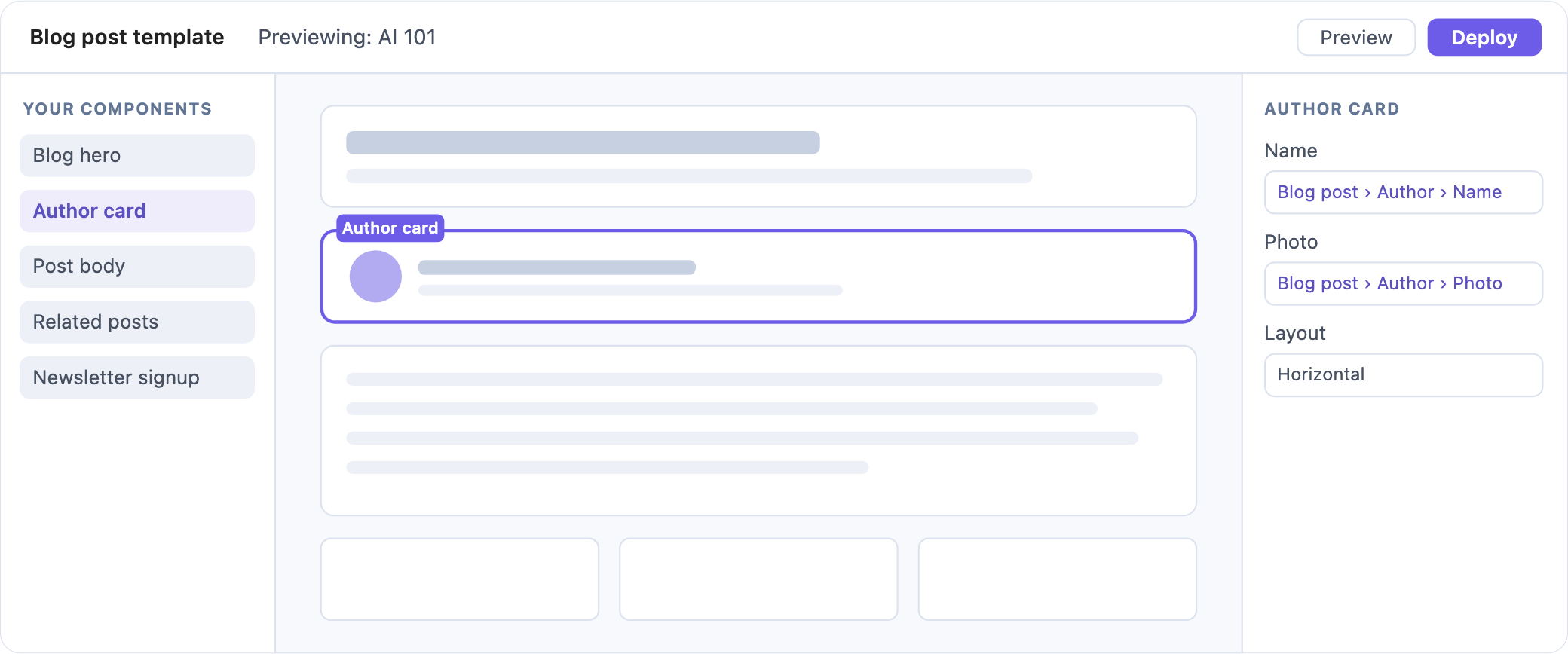
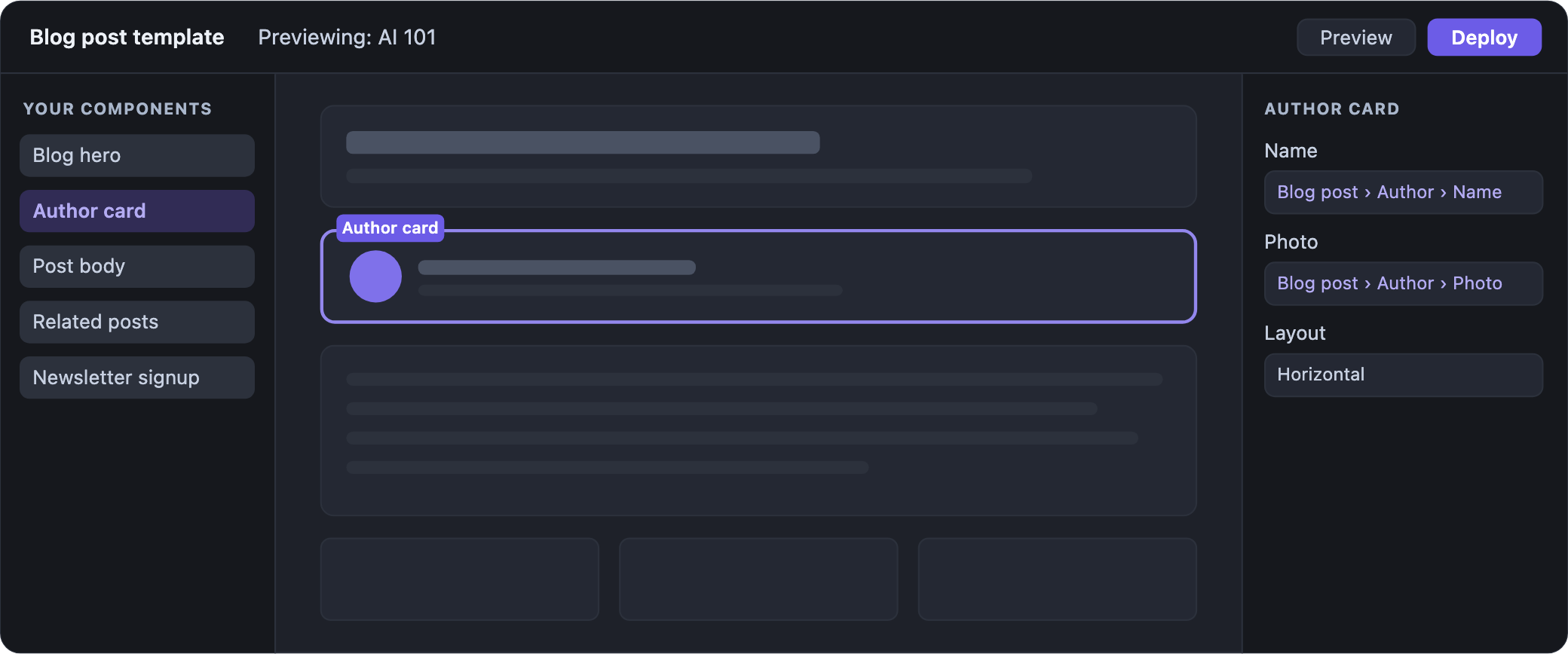
Your components on the left, your own site on the canvas, and the selected component's settings on the right. Select and arrange elements
Why teams use Studio
- Sections live in Studio, not in code Your team builds the Author card section from your
Avatarcomponent and Studio's Header and Paragraph. It's saved in your stack, so your team changes it in Studio. - A section changes everywhere at once The Post hero section is on the Blog post and Featured post templates. Your team changes and deploys it once, and both templates show the new version.
- One template serves every entry The Blog post template renders every post. When your team publishes a new post, its page is already laid out at its own URL.
- Content and layout change separately Your team fixes a typo without touching the layout, and moves a section without touching an entry.
- Each section sets its own limits Whoever builds a section picks which of its settings can change each time it's used, and where other sections can go inside it.
- Pages stay on brand Every page uses only your registered components and the components Studio ships.
Popular tasks
Set up for your framework
- Next.js App Router Server components, with a client component for the canvas.
- Next.js Pages Router A catch-all page that renders on the server.
- React, on the client Vite or any single-page React app.
- React, on the server Any server that renders React 18 or 19.
Concepts
- Components, sections and templates The three pieces every page is built from.
- What is a composition What Studio saves in your stack when you deploy.
- Your components in Studio What registering a component gives your team.
- How components get content Bindings, queries and your own data.
- Your content model in Studio How your content types and entries show up.
- Studio, Live Preview and Visual Editor Which tool to reach for, and when.
Look it up
- SDK API Every export of the Studio SDK.
- Component schema Props, types and defaults.
- CLI commands Every command and flag.
- URL variables What you can put in a template URL.
- Error-message index Every message, with the fix.
- Project settings Base URL, languages and the rest.
See every reference page.
Tools
- Studio CLI Push your code into Studio and generate sections.
- LLM skills Let a coding agent set up and build with Studio.
- Set up Studio with skills Install Studio in your app through an agent.
- Skills catalog Every skill, and what it does.
Using an AI tool? Point it at llms.txt for a plain-text map of these docs.
- What's new in Studio The Contentstack changelog, filtered to Studio.
- Prompts for your agent Ready-made prompts, in the Skills tab.